Mac Pro (Mid 2010) Symptom Charts 39
2010-08-31
Symptom Charts Overview
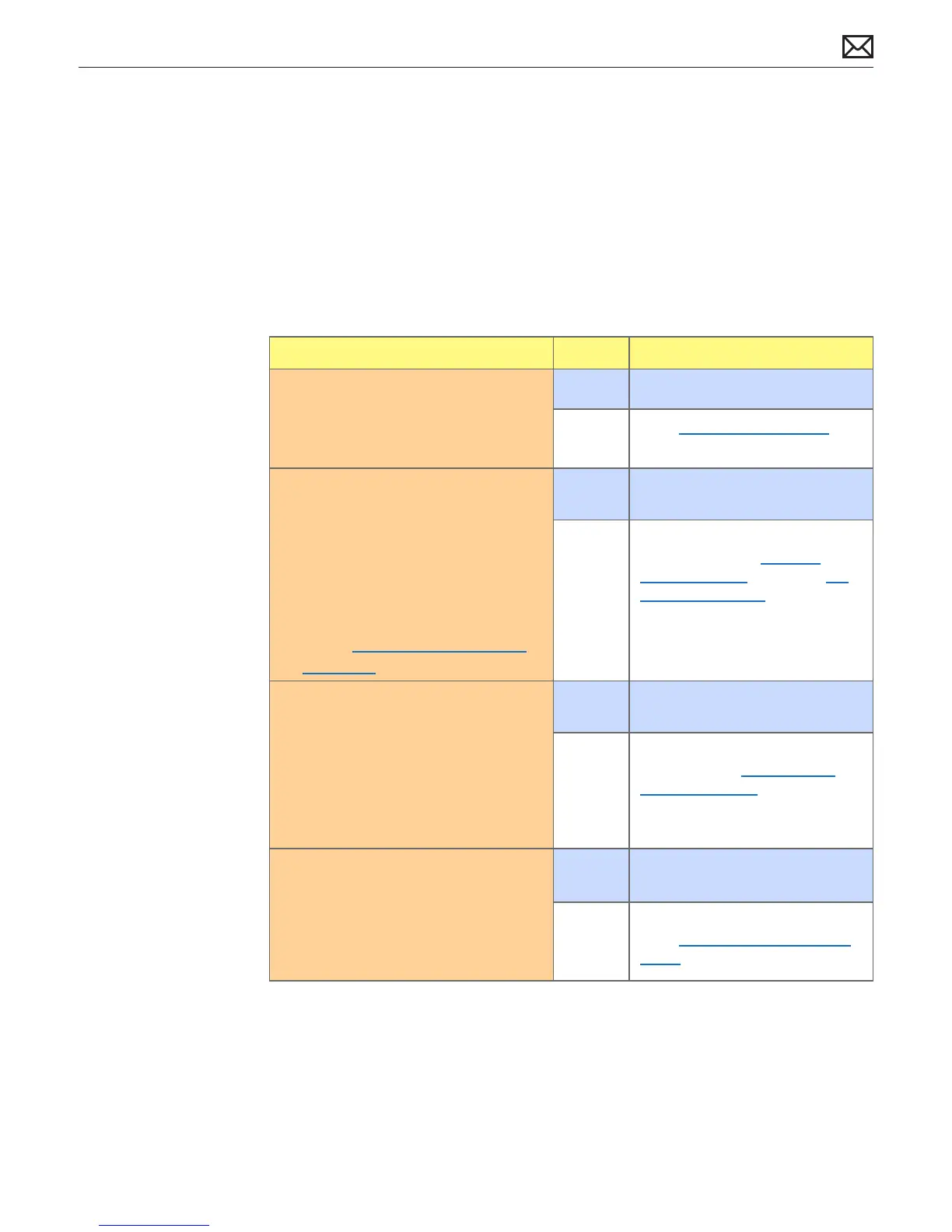
Use the following as a general troubleshooting road map for Mac Pro (Mid 2010).
Check Result Action
1. Plug known good power source and
power ON computer.
Does computer power ON?
Yes Computer powers on. Go to step 2.
No Go to No Power Quick Check.
2. √ Computer powers on
√ Startup sound chime (increase
sound volume and retest, if unsure.)
Connect external DVI or Mini Display
Port monitor and restart unit. Is video
observed on the external display?
Note: For more information on
supported display congurations,
refer to http://support.apple.com/
kb/HT4279.
Yes Video present on both. Go to step
3.
No No video present on both. Reseat
all DIMMs. Refer to Memory
Diagnostic LEDs. Then go to No
Video Quick Check.
3. √ Computer powers on
√ Startup sound chime
√ Video present
Restart computer, immediately press
and hold OPTION key to see boot
drive volumes in Startup Manager.
Are any bootable volumes detected?
Yes Bootable drive volumes detected.
Go to step 4.
No No bootable drive volumes
detected. Go to Power but No
Boot Quick Check.
4. √ Computer powers on
√ Startup sound chime
√ Video present
√ Boots from drive
Try to boot from Install DVD. Is boot
possible?
Yes Can boot from Install DVD. Go to
step 5.
No Cannot boot from Install DVD.
Go to Power but No Boot Quick
Check.



 To Next Page