Disk Operations 1
09
Font
Mouer
In Fonts
file
Help
»Copy>>
Remoue
Quit
Total space: 6302
bytes
• reserued
for
system
use
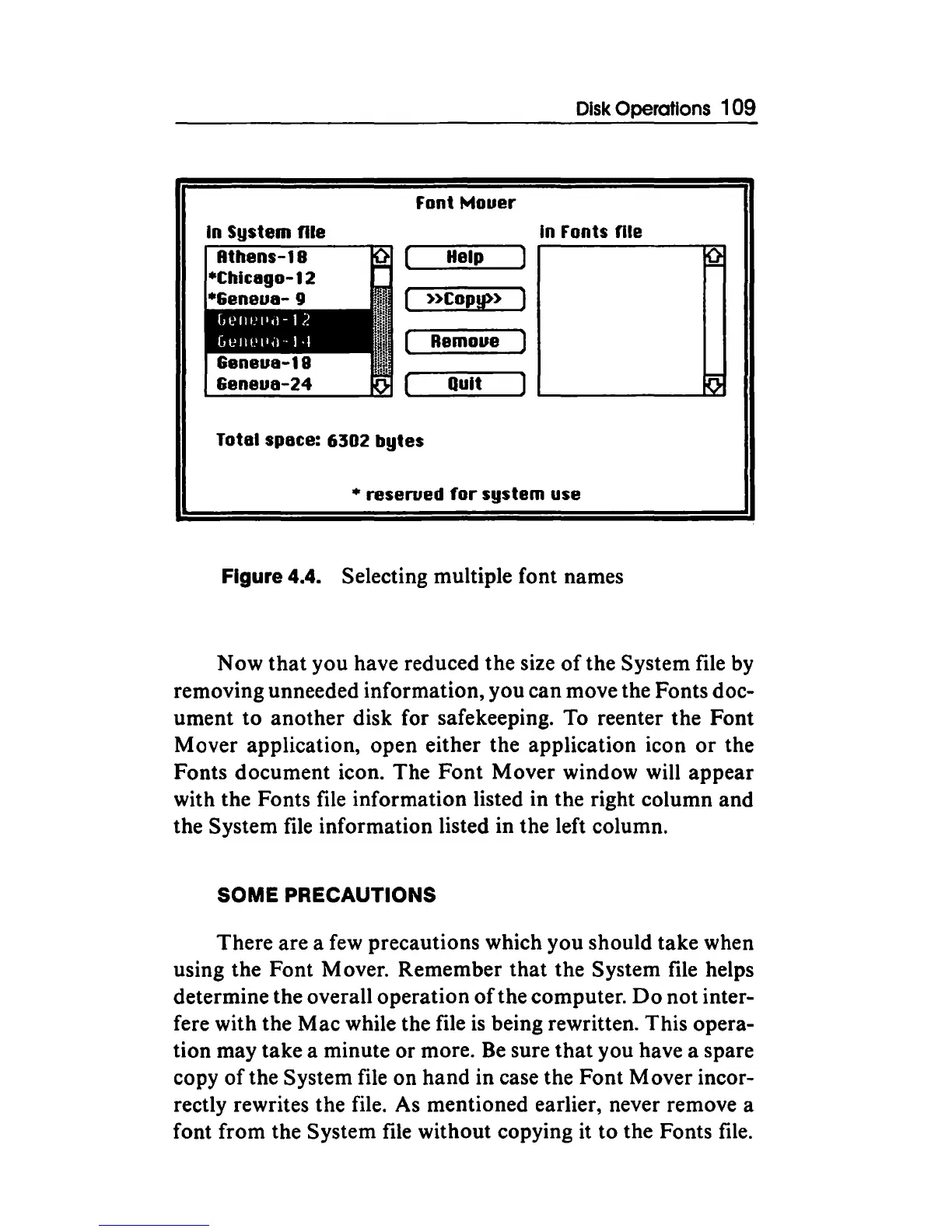
Figure 4.4. Selecting multiple font names
Now
that
you have reduced the size
of
the System file by
removing unneeded information, you can move the Fonts doc-
ument
to
another disk for safekeeping. To reenter the Font
Mover application, open either the application icon
or
the
Fonts document icon. The Font Mover window will appear
with the Fonts file information listed in the right column and
the System file information listed in the left column.
SOME PRECAUTIONS
There are a
few
precautions which you should take when
using the Font Mover. Remember that the System file helps
determine the overall operation
of
the computer.
Do
not inter-
fere with the Mac while the file
is
being rewritten. This opera-
tion may take a minute or more.
Be
sure
that
you have a spare
copy
of
the System file on hand in case the Font Mover incor-
rectly rewrites the file. As mentioned earlier, never remove a
font from the System file without copying it to the Fonts file.



 To Next Page