EasyManua.ls Logo

Apple Macintosh - Page 155

Apple Macintosh
321 pages
Print Icon
To Next Page IconTo Next Page
To Previous Page IconTo Previous Page
Loading...
Exploring MocWrlte 157
The
second
box,
Change, then Find, will
change
a
found
case
and
then
search
out
the next.
The
third
option,
Change,
will
perform
the
change
and
wait
for
further
instructions.
The
center
two boxes become active once the case has been high-
lighted. These
options
are
designed
for
selective
changing
of
only certain cases in the text.
FORMAT MENU
This
menu
has been discussed extensively with two
excep-
tions, Set
Page#
••.
and
Insert Page Break.
The
Set
Page#
...
command
is useful when
incorporating
selections covering
more
than
one
document.
Suppose
one
document
contained
nine pages
of
a fifteen page
report.
The
second
document
should
start
with page ten,
but
MacWrite
documents
are
normally
sequenced
starting
at
page one. To
remedy this, display
the
second
document
and
choose
Set
Page
# ...
from
the
Format
menu.
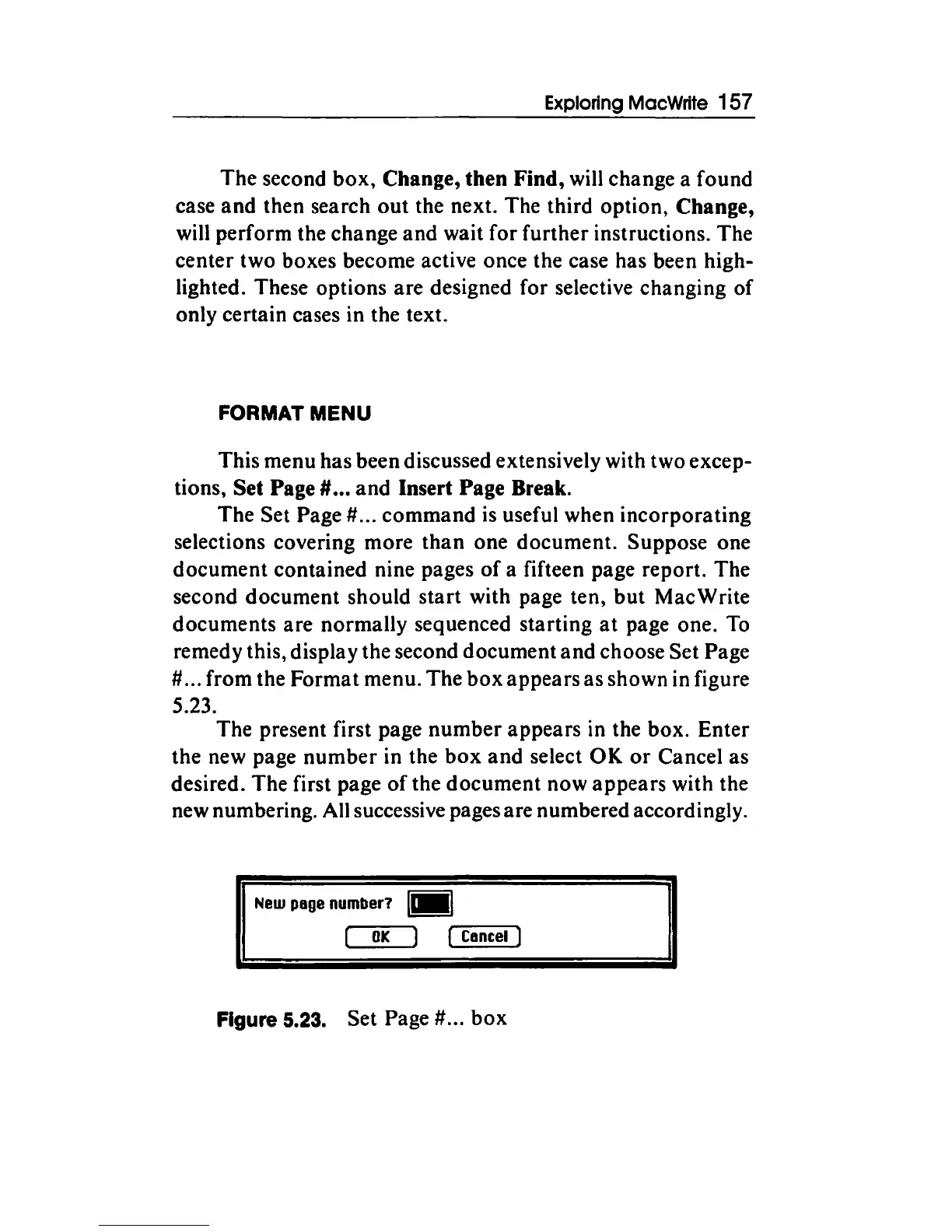
The
box
appears
as
shown in figure
5.23.
The present first page
number
appears
in the box.
Enter
the
new page
number
in
the
box
and
select
OK
or
Cancel
as
desired.
The
first page
of
the
document
now
appears
with
the
new numbering. All successive pages are numbered accordingly.
New
page
number?
I•
I
OK
(,...._c~a-nc~el"""')
Figure 5.23. Set Page # ...
box

Other manuals for Apple Macintosh

Related product manuals