EasyManua.ls Logo

Apple Macintosh - Page 181

Apple Macintosh
321 pages
Print Icon
To Next Page IconTo Next Page
To Previous Page IconTo Previous Page
Loading...
Exploring MacPaint 183
changed
as
desired while the
insertion
point
is
in place.
When
the
insertion
point
is moved
using
the edit
bar
, the text
portion
becomes fixed,
the
actions
becomes
undo-able,
and
MacPaint
no
longer
recognizes the letters
as
such.
They
are
merely
another
set
of
dots
comprising
part
of
the whole
drawing.
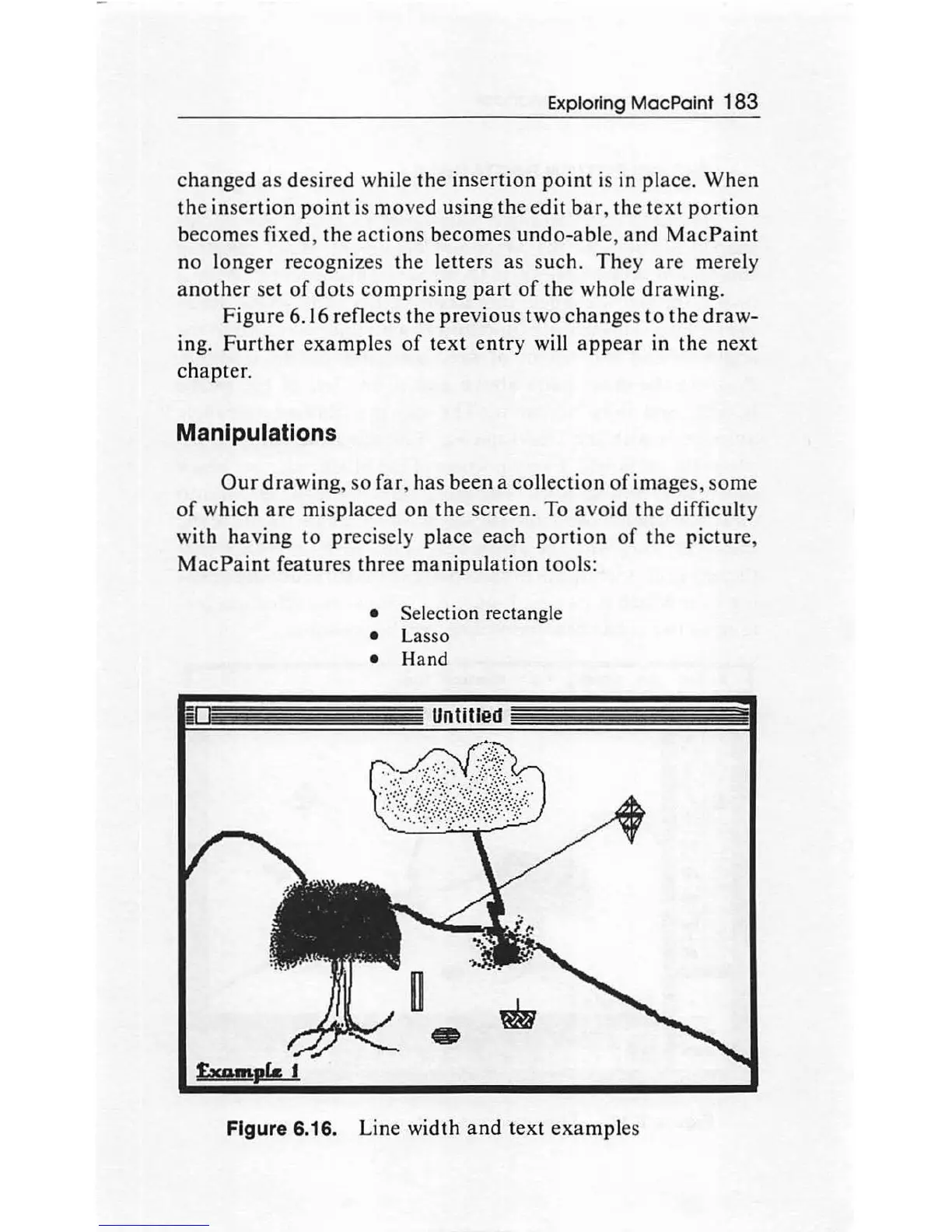
Figure
6.16 reflects
th
e
previous
two
changes
to
the
draw-
ing.
Further
examples
of
text
entry
will
appear
in
the
next
chapter.
Manipulations
Our
dr
aw
ing,
so
far, has
been
a collection
of
images,
some
of
which
are
misplaced
on
the
screen. To
avoid
the difficulty
with
having
to
precisely place each
portion
of
th
e picture,
MacPaint
fea
tur
es
thre
e
manipulation
tool
s:
Selection rectangle
Lasso
Hand
Figure 6.16. Line width
and
text
examp
les

Other manuals for Apple Macintosh

Related product manuals