EasyManua.ls Logo

Apple Macintosh - Page 185

Apple Macintosh
321 pages
Print Icon
To Next Page IconTo Next Page
To Previous Page IconTo Previous Page
Loading...
Exploring MacPaint
187
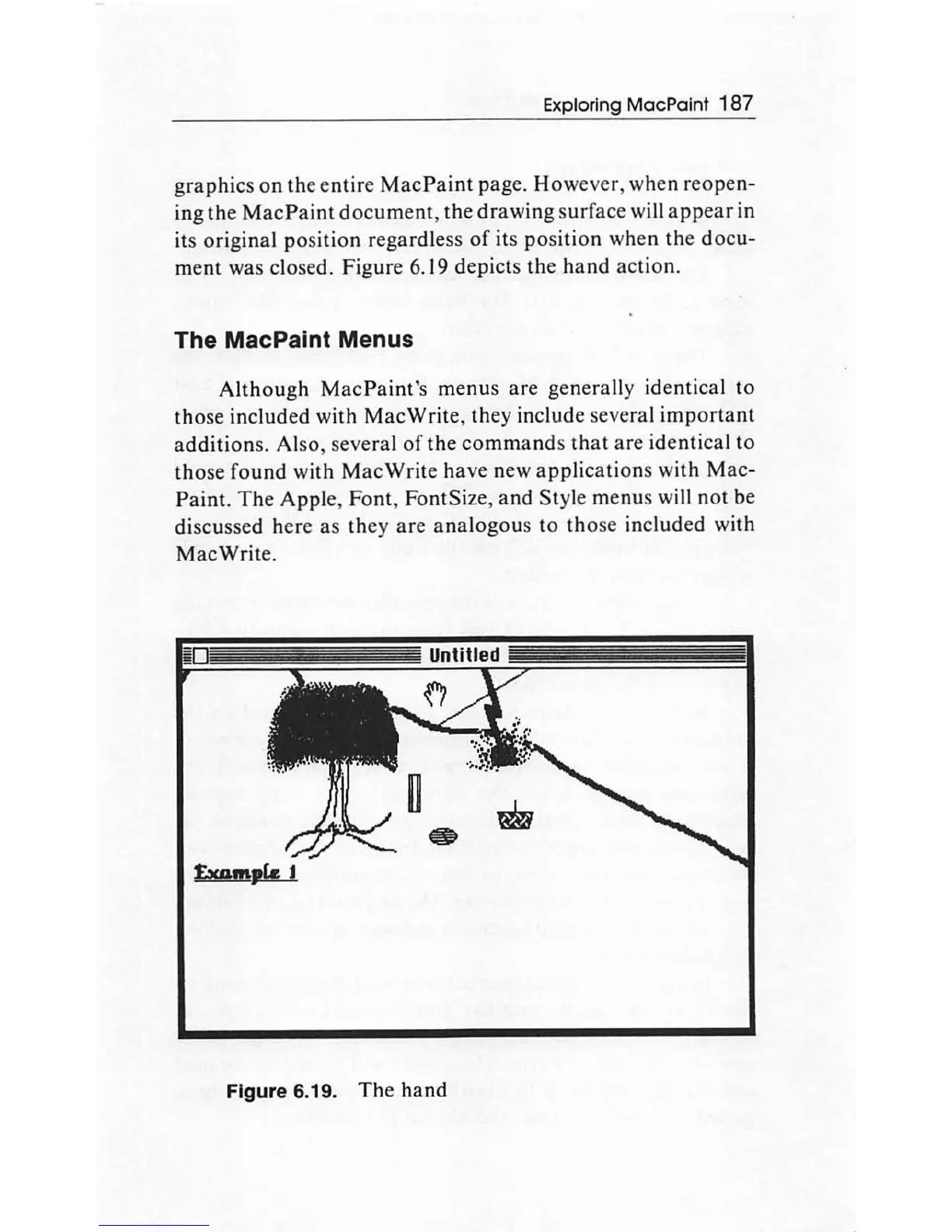
g
raphi
cs on the
en
tir
e
MacPaint
pag
e. H
owever
,
when
reope
n-
ing
th
e
MacPaint
document,
the
drawing
surface
will
appear
in
its
origina
l
po
s
ition
regardless
of
it
s p
osit
ion when
the
d
ocu
-
me
nt
was closed. Figure 6.
19
depicts
th
e h
and
ac
tion.
The MacPalnt Menus
Although
MacP
a
int'
s
menu
s
are
generally identical
to
tho
se included with
Mac
Write,
th
ey include several
important
additions.
Also, several
of
th
e
comma
nds
tha
t
are
identi
ca
l
to
those
found
with
Mac
Write h
ave
new
appl
i
cations
with
Mac-
Paint.
The
Apple,
Font
, FontSize,
and
Style menus will n
ot
be
discussed here as
they
are
analogous
to th
ose included wi
th
Mac
Write.
Figure 6.19.
The
hand

Other manuals for Apple Macintosh

Related product manuals