EasyManua.ls Logo

Apple Macintosh - Page 206

Apple Macintosh
321 pages
Print Icon
To Next Page IconTo Next Page
To Previous Page IconTo Previous Page
Loading...
208 Macintosh
User's
Handbook
----
-~
----=:-::-:.-~~-
--=----
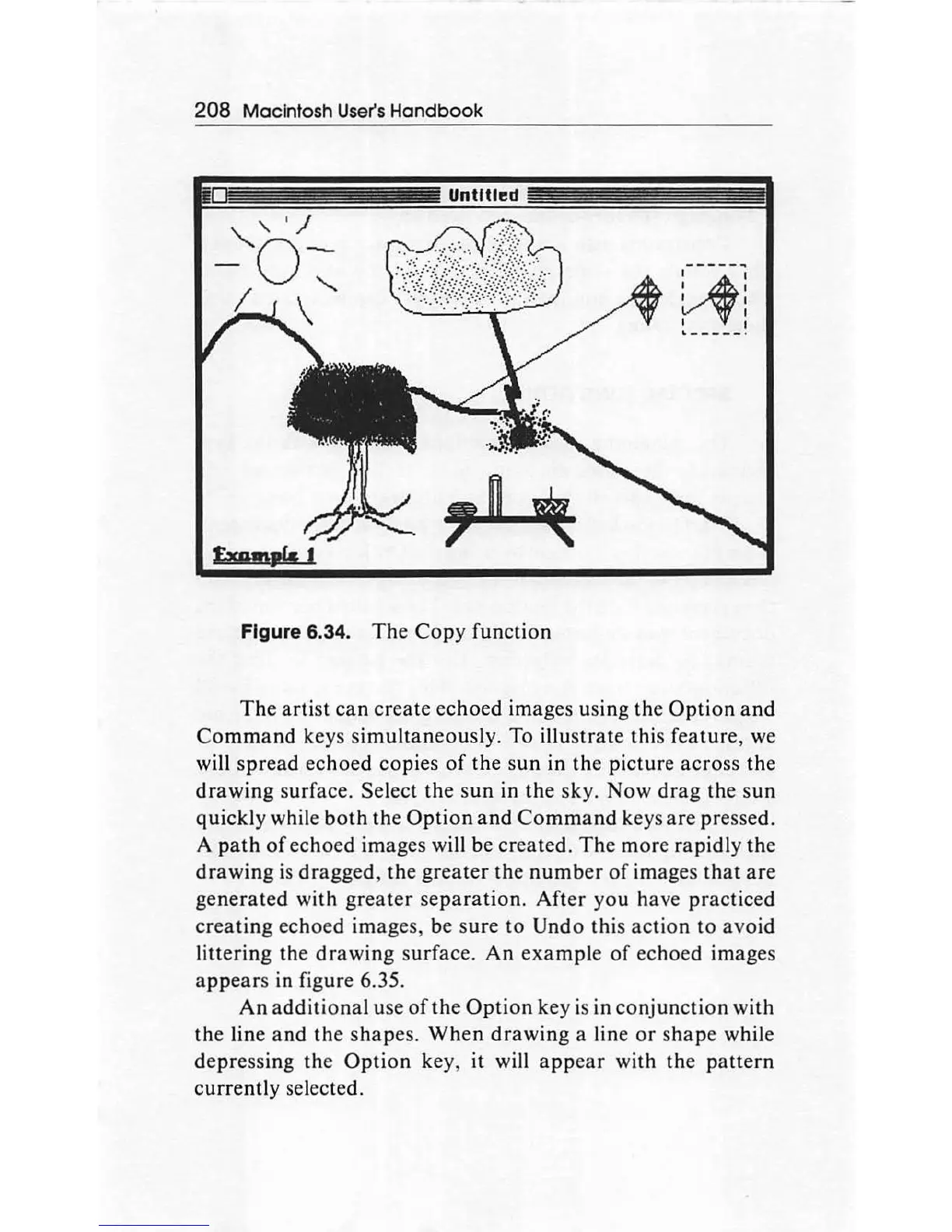
Figure 6.34.
The
Copy
function
~~---
--~
I I
I 1
I
I I
'---
---
·
Th
e
ar
tist
ca
n
create
echoed images using the
Option
and
Comma
nd keys s
imultaneously.
To illustrate this feature, we
will
spread
ec
hoed
copies
of
the
sun
in
th
e
pictur
e
ac
ro
ss the
drawing
surface. Select
the
s
un
in
the
sky.
Now
drag
the
sun
quickl
y while bo
th th
e
Option
and
Command
keys are pressed.
A
path
of
echoed images will be created. The more rapidly the
drawing
is
dragged
, the greater the
number
of
images
that
are
generated with gr
ea
ter
separation.
After
you have
practic
ed
crea
ting
echoed images,
be
sure to Undo
th
is
ac
tion to
avoi
d
littering the
drawing
s
urf
ace.
An
example
of
ec
hoed images
a
pp
ears
in figure 6.35.
An
additional
use
of
th
e
Option
key is in
con
jun
ct
i
on
with
the
line
and
th
e shapes.
When
drawin
g a line or s
hap
e while
de
pre
ssing the
Option
key, it will a
pp
ear
with the pa
ttern
currently
se
lected.

Other manuals for Apple Macintosh

Related product manuals