EasyManua.ls Logo

Apple Macintosh - Page 207

Apple Macintosh
321 pages
Print Icon
To Next Page IconTo Next Page
To Previous Page IconTo Previous Page
Loading...
Exploring MacPalnt 209
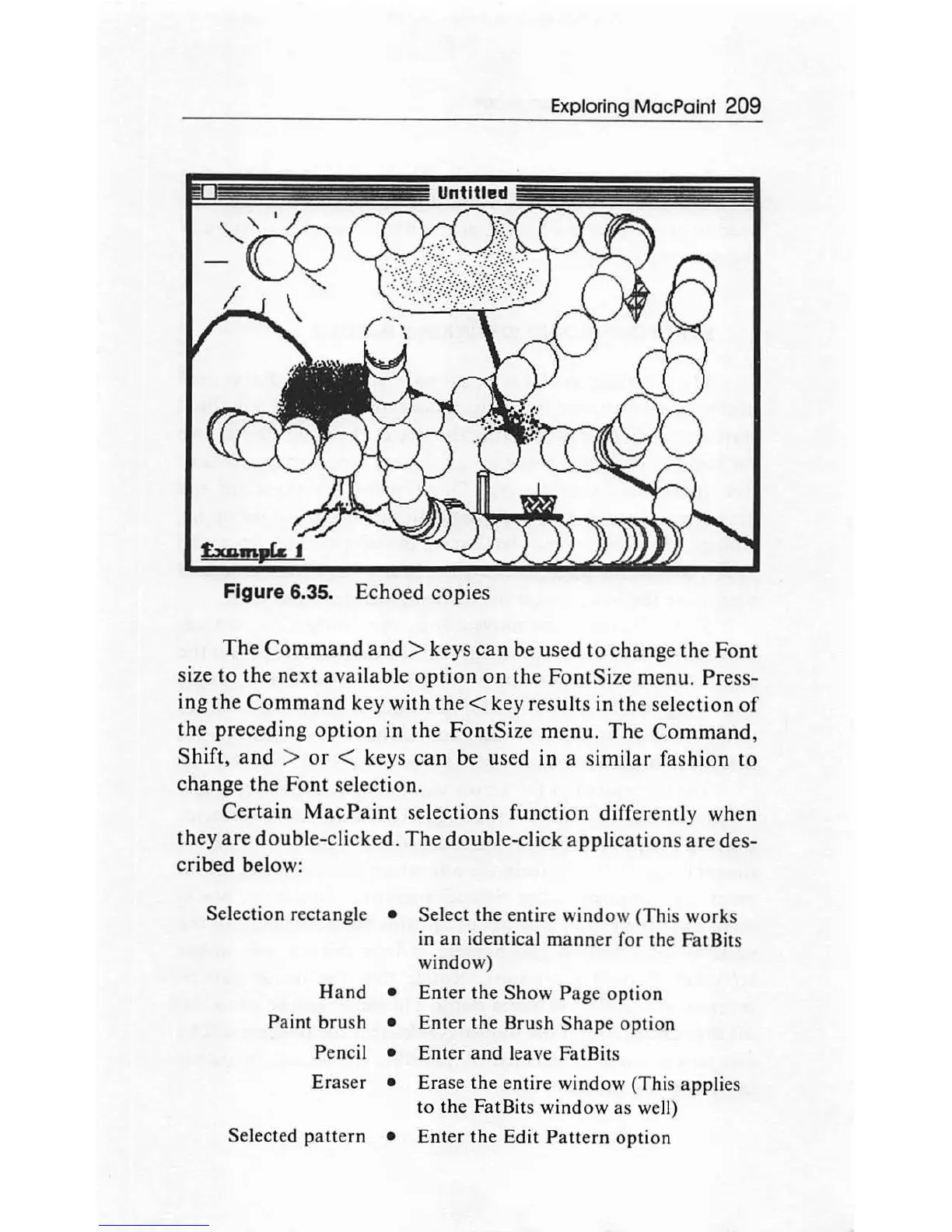
Figure 6.35. Echoed copies
The
Command
and>
key
s
can
be used
to
change
th
e
Font
size
to
the
next available
option
on
the FontSi
ze
menu. Press-
ing
the
Command
key with
the
< key results in the
se
lection
of
the preceding
option
in the FontSize
menu
.
The
Command,
Shift,
and
>
or
< keys
can
be used in a similar fashion
to
change
th
e Font sel
ec
tion.
Certain
MacP
ai
nt
selec
tion
s
function
differently when
they
are
doubl
e-cli
cke
d.
The
doubl
e-click applications
are
des-
cribed below:
Selection rect
ang
le Select
th
e entire window
(T
h
is
works
in
an
id
entical m
anner
for the FatBits
window)
Hand
Enter
th
e
Show
Page
option
Paint
bru
sh E
nt
er
the
Brush
Shape
option
Pencil E
nt
er
and
leave FatBits
Eraser
Erase the entire window (This
app
li
es
to
th
e FatBits
window
as
weJI)
Selected
patt
ern
Enter
th
e Edit Pattern option

Other manuals for Apple Macintosh

Related product manuals