EasyManua.ls Logo

Apple Macintosh - Page 212

Apple Macintosh
321 pages
Print Icon
To Next Page IconTo Next Page
To Previous Page IconTo Previous Page
Loading...
More
on
MacPaint 215
Paint U
~taf~tftt
JlfJ
CbtUt
I I
!)_f{Ut\U
~--
·
·····
ettt
g_k.f01l1ld
}O~ttaft
J)fUtrJilt(8
l«11tutU
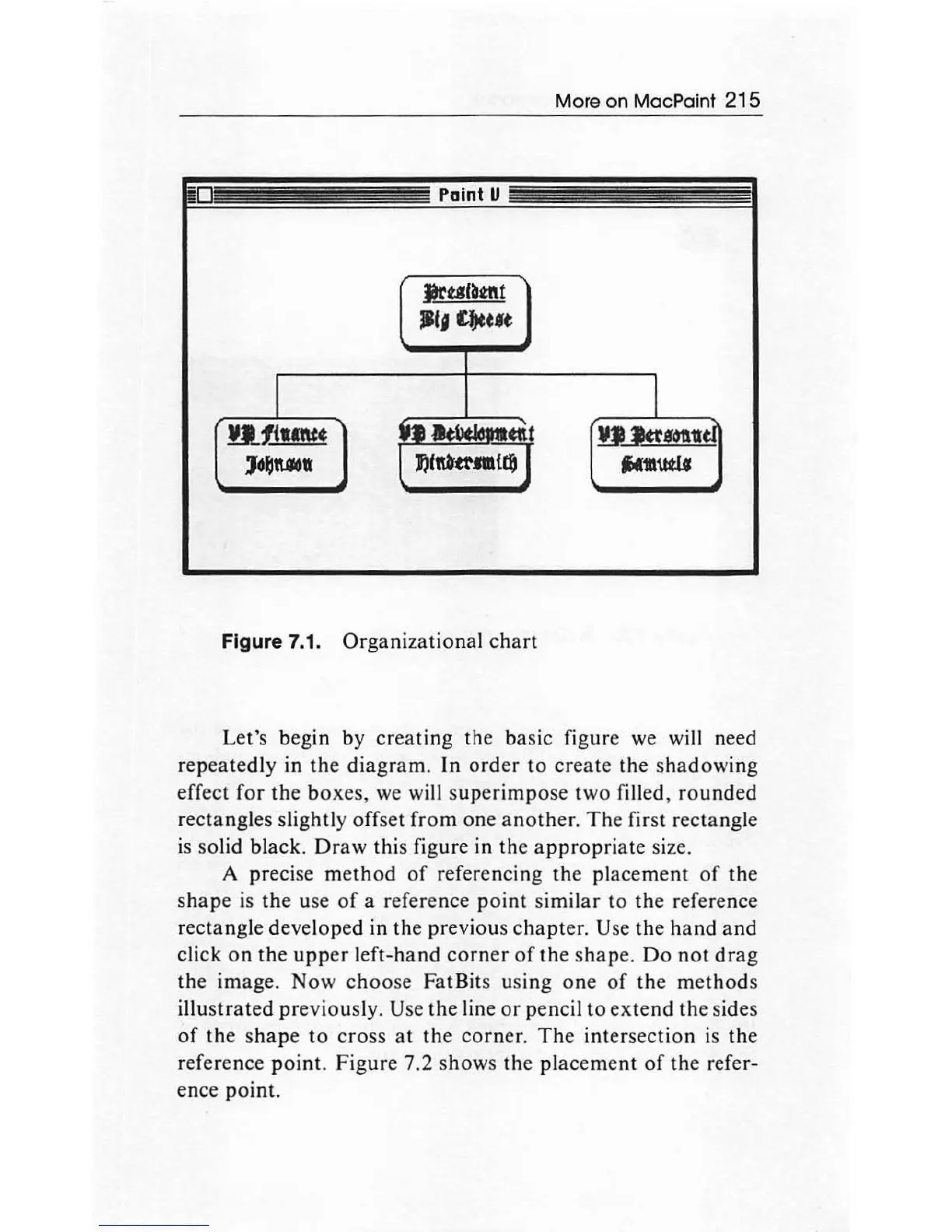
Figure 7.1.
Organizational
chart
Let's begin by
creating
the basic figure we will need
repeatedly
in
the
diagram.
In
order
to
create
th
e sh
adowing
effect
for
the
boxes,
we
wi
ll
supe
rimp
ose
two
fi
ll
ed,
rounded
rectangles slightly offset
from
one
another
.
The
first rectangle
is
so
lid
black
.
Draw
this figure in the
appropriate
size.
A precise m
ethod
of
referencing
the
placement
of
the
shape
is
the
use
of
a reference
point
similar
to
the
reference
rectangle devel
oped
in the previous ch
apter.
Use
th
e hand
and
click
on
the
upper
left-hand
corner
of
the sh
ape.
Do
not
drag
the
image.
Now
choose
FatBits using
one
of
the
methods
illustrated
pr
eviously. Use
the
line
or
pencil
to
extend
the
sides
of
the
s
hap
e
to
cross
at
the
corner
.
The
int
ersection
is
th
e
reference
point.
Figure
7.2 shows the
placement
of
the
refer-
ence
point.

Other manuals for Apple Macintosh

Related product manuals