EasyManua.ls Logo

Apple Macintosh - Advanced MacPaint Techniques and Examples

Apple Macintosh
321 pages
Print Icon
To Next Page IconTo Next Page
To Previous Page IconTo Previous Page
Loading...
216 Macintosh
User's
Handbook
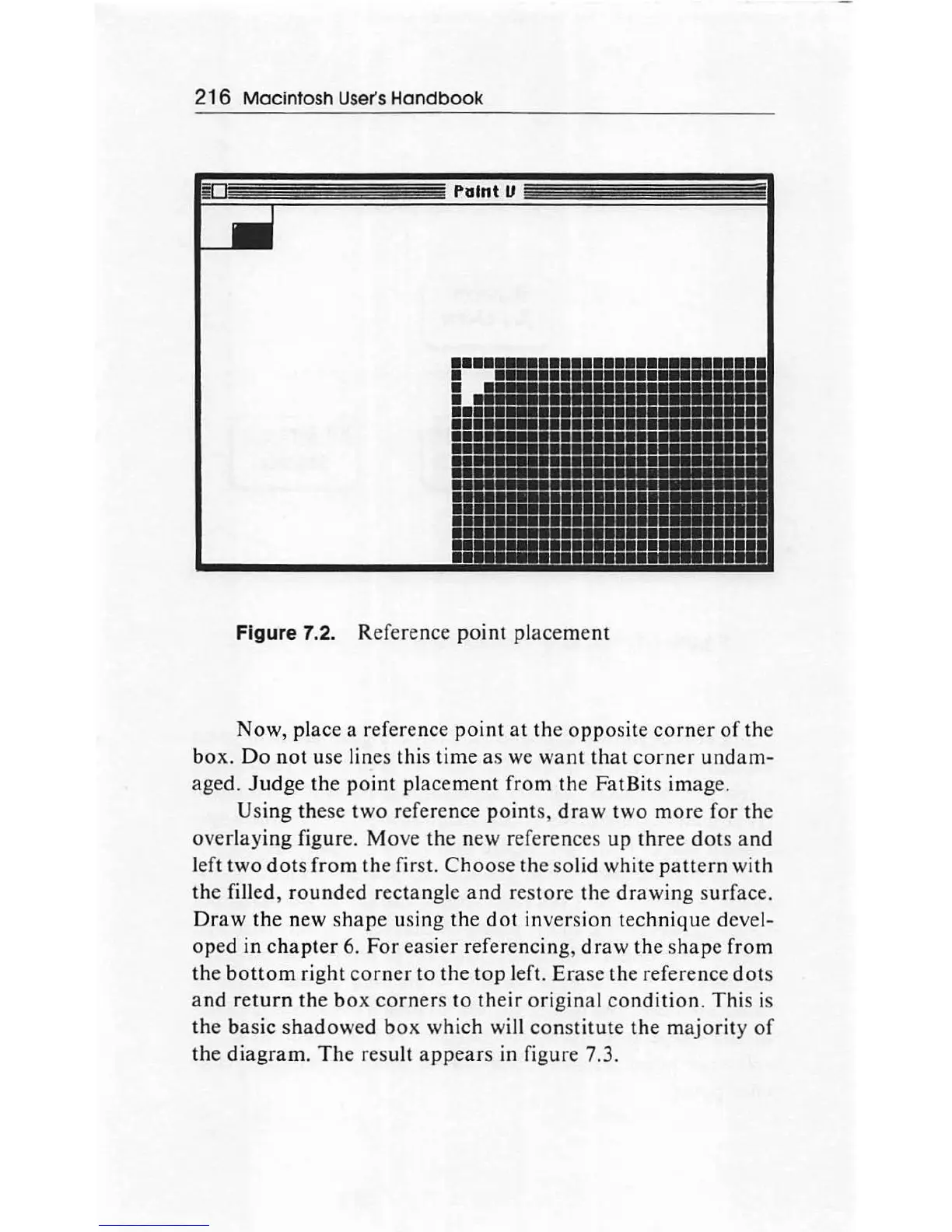
Figure 7.2. Reference
point
placement
Now, place a reference
point
at
th
e
opposite
corner
of
the
bo
x.
Do
not
use lines this time
as
we
want
that
corner
undam-
aged.
Judge
the
point
placem
en
t fr
om
th
e FatBits
imag
e.
Using
th
ese two reference
point
s,
draw
two
more
for
the
overlaying
figure. Move the n
ew
ref
e
renc
es up three
dots
an
d
left
two
dots
from
the first.
Choo
se
th
e solid white patt
ern
with
th
e filled,
round
ed rectangle
and
res
tore
th
e
drawing
surface.
Draw
the new
shape
using
th
e
dot
in
ve
rsion technique devel-
oped
in
chapter
6.
For
easier referencing,
draw
the s
hape
from
th
e
bottom
ri
g
ht
corner
to
the
top
l
ef
t.
Er
ase the reference
dot
s
and
return
th
e
box
corner
s
to
their
original
co
ndition
.
This
is
th
e
ba
sic
shadowed
b
ox
which wi
ll
con
st
itute
the
majority
of
th
e
diagram.
The
result
ap
pear
s in figure 7.3.

Other manuals for Apple Macintosh

Related product manuals