EasyManua.ls Logo

Apple Macintosh - Creating Organizational Charts with MacPaint

Apple Macintosh
321 pages
Print Icon
To Next Page IconTo Next Page
To Previous Page IconTo Previous Page
Loading...
More
on
MacPalnt 217
l"alnt
lJ
D
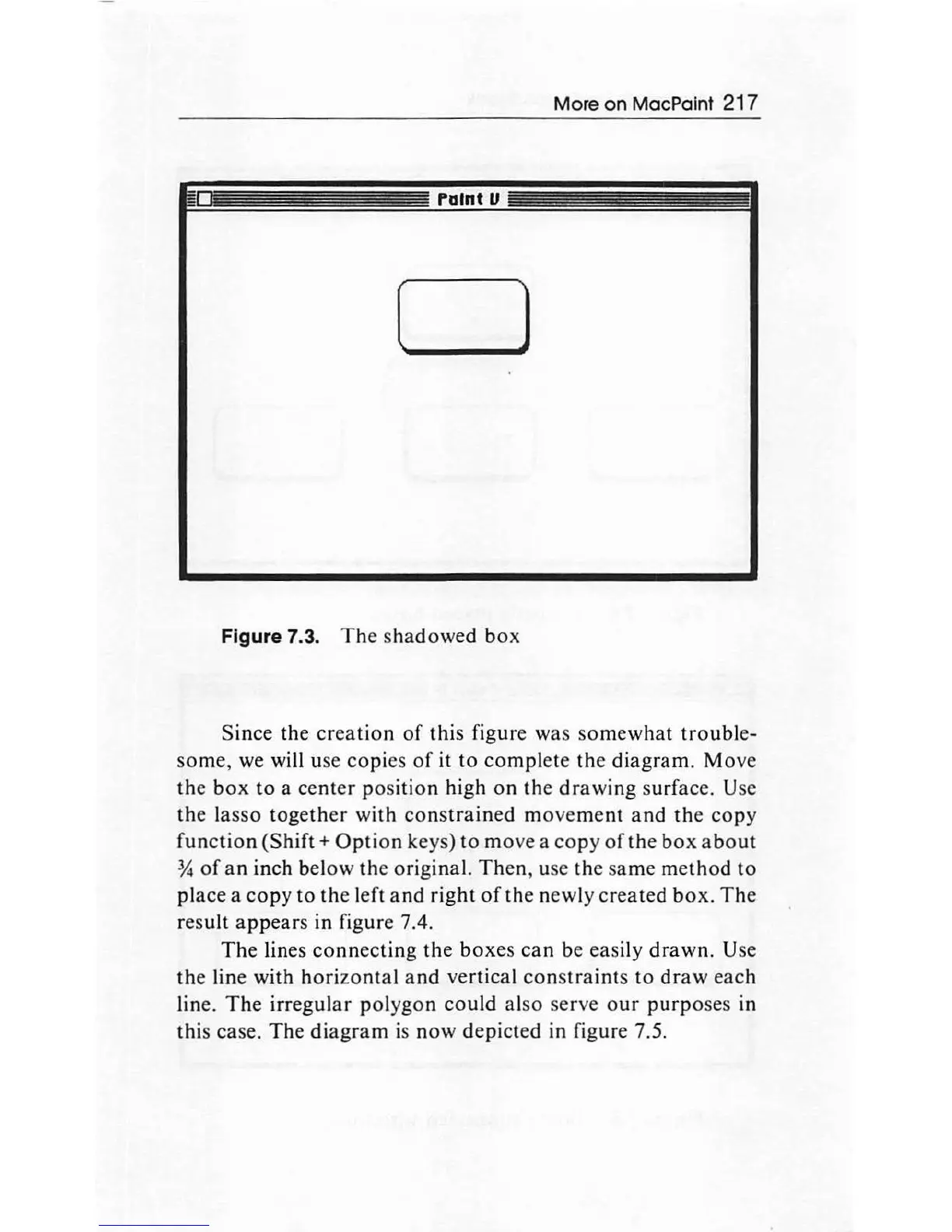
Figure 7.3.
The
sha
dowed
bo
x
Since
the
creation
of
thi
s
figur
e
wa
s
so
mewhat
troubl
e-
so
m
e,
we will use
copies
of
it
to
compl
ete
th
e
dia
g
ram
.
Mov
e
the
bo
x
to
a
center
po
s
ition
high
on
th
e
drawin
g s
urfac
e. Use
th
e l
asso
togeth
er
with
con
s
tr
ai
ned m
ove
me
nt
an
d
th
e
copy
function
(Shift+
Option
keys)
to
m
ove
a
co
py
of
th
e
box
a bo
ut
*
of
a n inch be
lo
w
the
orig
in
a
l.
Then,
use
the
same me
th
od
to
plac
e a
copy
to
th
e l
ef
t
an
d
right
of
th
e
newly
created
b
ox.
The
res
ult
appears
in
figure 7.4.
The lines
connectin
g
the
bo
xes
can
be
eas
ily d r
awn.
Use
the
line
with
hori
zo
ntal
a
nd
ver
tical
constraints
to
draw
each
line.
The
irr
egu
la r
polygon
co
uld al
so
serve
ou
r
purp
oses in
this case.
Th
e
di
ag
r
am
is
now
depicted in figure 7.5.

Other manuals for Apple Macintosh

Related product manuals