More
on
MacPaint 221
INSTRUCTIONS
The
first step in drawing the basic figure
is
to
determine
the reference square. Draw a
square
whose width
is
equal to the
diameter
of
the desired circle. Then
draw
a circle exactly within
the
square
using the
dot
inversion technique. Now, use the
eraser
and
Fat Bits
to
erase all
but
the
upper
left-hand
corner
of
the square.
Draw
a line
at
45° away from the corner. We will
move a copy
of
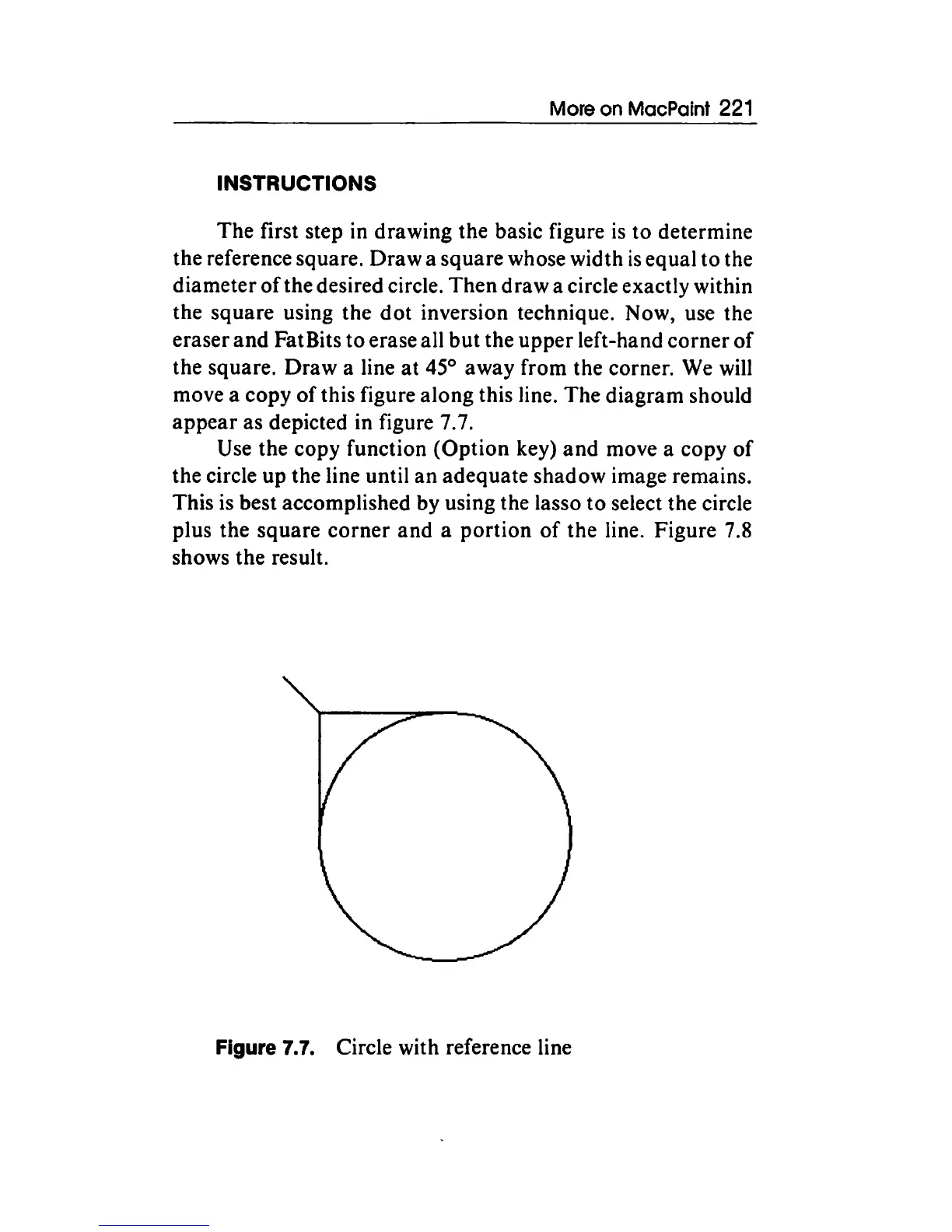
this figure along this line. The diagram should
appear
as depicted in figure 7.7.
Use the copy function
(Option
key)
and
move a copy
of
the circle
up
the line until
an
adequate shadow image remains.
This is best accomplished by using the lasso
to
select the circle
plus the square
corner
and
a
portion
of
the line. Figure 7.8
shows the result.
Figure
7.7.
Circle with reference line



 To Next Page