222 Macintosh
User's
Handbook
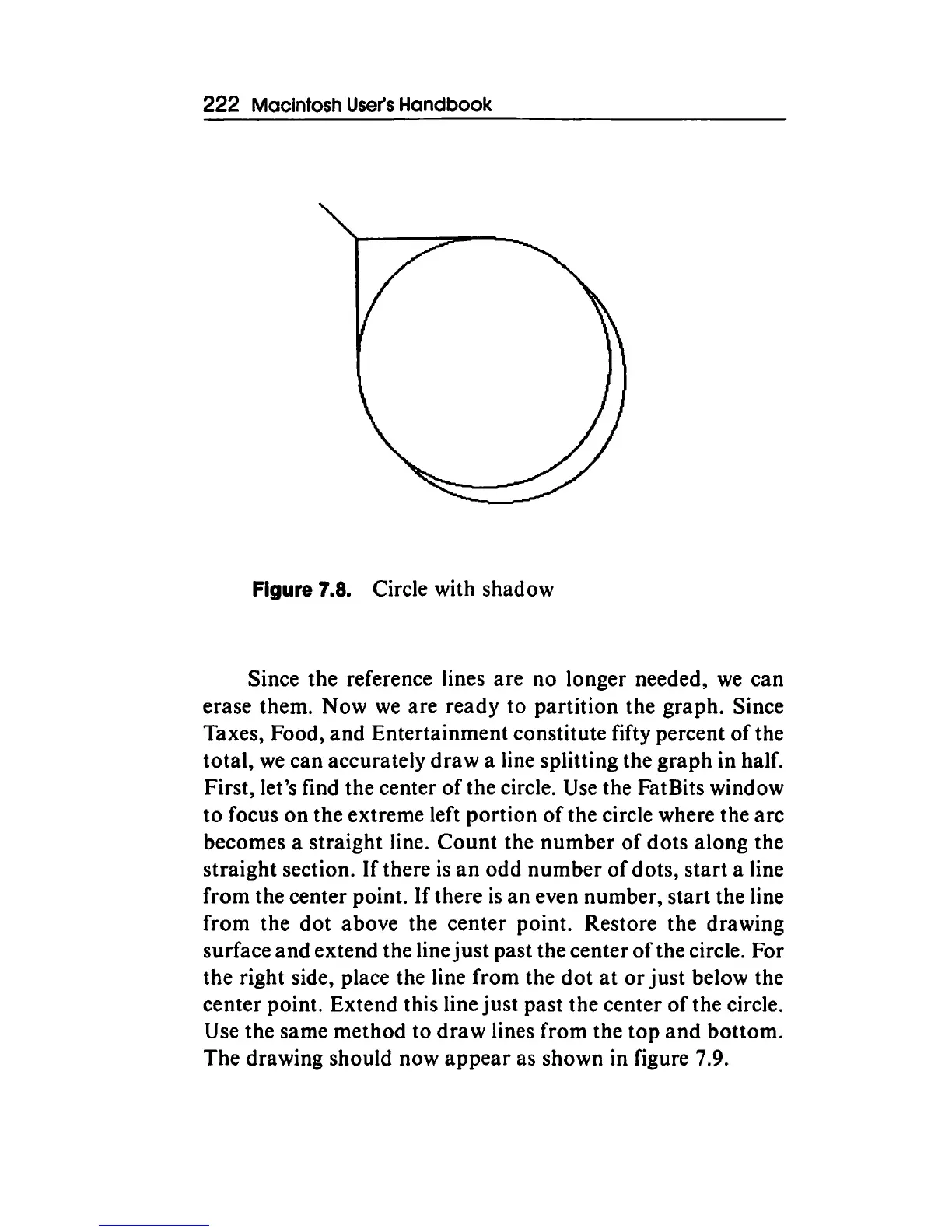
Figure 7.8. Circle with shadow
Since
the
reference lines
are
no longer needed,
we
can
erase them.
Now
we
are ready to
partition
the
graph.
Since
Taxes, Food,
and
Entertainment
constitute fifty percent
of
the
total,
we
can accurately
draw
a line splitting the
graph
in half.
First, let's find the center
of
the circle. Use the Fat Bits window
to
focus
on
the
extreme left
portion
of
the circle where the
arc
becomes a
straight
line.
Count
the
number
of
dots
along
the
straight
section.
If
there
is
an
odd
number
of
dots,
start
a line
from
the center point.
If
there
is
an
even number,
start
the line
from
the
dot
above the
center
point. Restore the drawing
surface
and
extend
the
line
just
past the center
of
the circle.
For
the right side, place the line
from
the
dot
at
or
just
below the
center point. Extend this line
just
past
the center
of
the circle.
Use
the
same
method
to
draw
lines
from
the
top
and
bottom.
The
drawing should now
appear
as shown in figure 7.9.



 To Next Page