EasyManua.ls Logo

Apple Macintosh - Page 271

Apple Macintosh
321 pages
Print Icon
To Next Page IconTo Next Page
To Previous Page IconTo Previous Page
Loading...
27 4 Macintosh Use(s
Handbook
not
no
rmall
y end
ea
ch
line with a Re
turn
c
har
acter,
thi
s o
pti
on
should
no
t be selected.
Wh
en
th
e n
ex
t item,
Word
Wrap
Outgoing
Text
, is
selected,
th
e o
ut
going t
ex
t wi
ll
fo
llow
th
e M
ac
Writ
e word
wrapar
o
und
pr
otocol. Words which fall
at
th
e e
nd
of a line will
be repositioned
so
as
to
no
t split
th
em.
With
thi
s o
pti
on not
selected, indivi
du
al
ch
arac
ters will
wr
ap aro
und
to the n
ext
lin
e.
Wh
en
th
e se
ttin
gs wi
thin
th
e w
ind
ow
are
pr
op
er
, select
OK
.
Th
e
wind
ow
will dis
app
ea
r wi
th th
e changes r
eco
rd
ed.
Oth
erwise,
se
le
ct
Can
cel
to
rem
ov
e
th
e wind
ow
w
ith
th
e
ch
a
ng
es not retained.
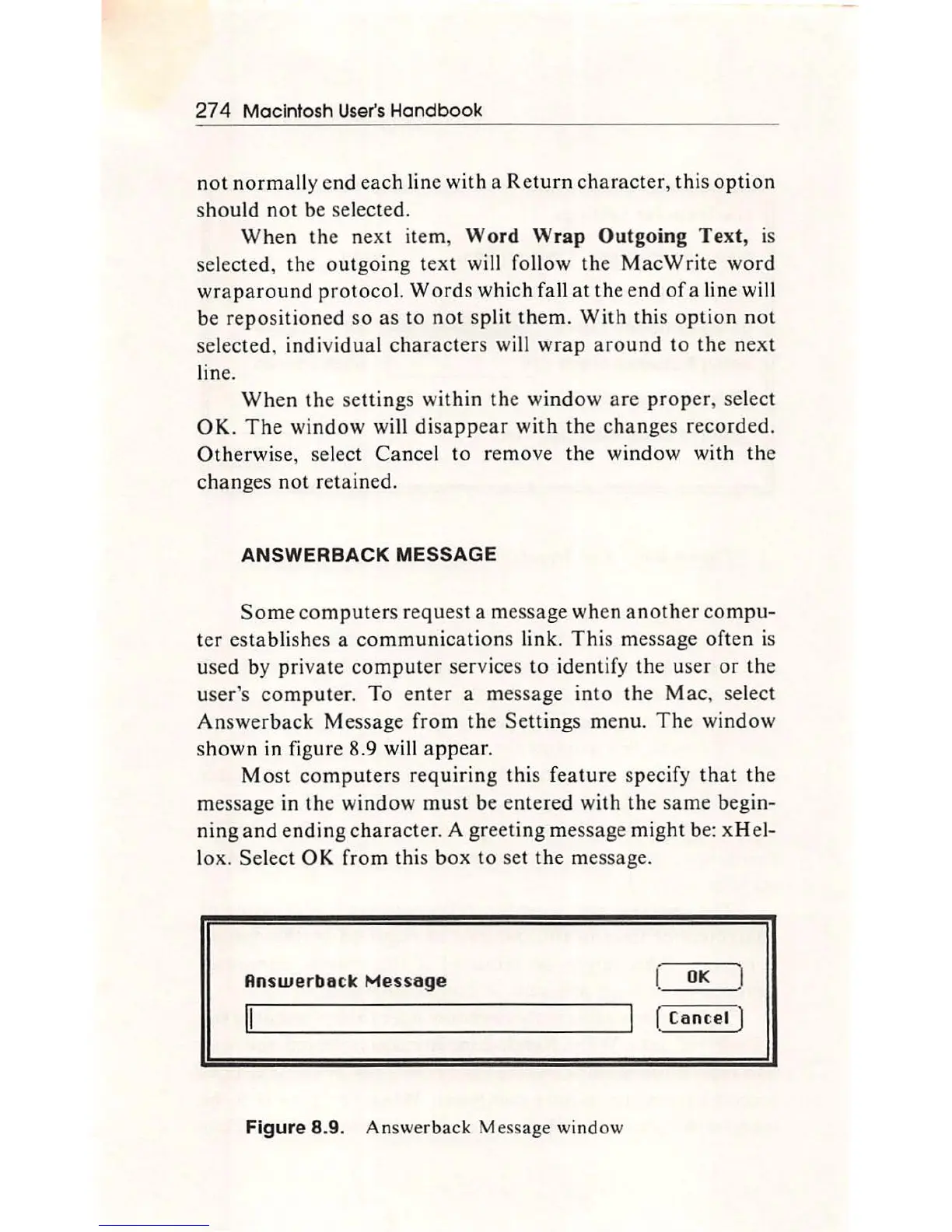
ANSWERBACK MESSAGE
S
ome
com
puter
s re
qu
est a mes
sag
e
wh
en ano
th
er
co
mpu-
ter esta blishes a c
ommunicat
ions link.
Thi
s message
of
ten is
u
se
d by private co
mpu
ter
se
rvices
to
ide
ntif
y
th
e u
ser
or
th
e
u
se
r's
comput
er.
To
ent
er
a message i
nt
o
th
e Mac, select
An
swe
rb
ack Message f
ro
m the
Sett
ings menu.
Th
e wi
nd
ow
shown in
fi
g
ur
e 8.9 will
app
e
ar
.
Mo
st
co
mput
ers r
eq
uiri
ng
this f
ea
tur
e speci
fy
th
at
th
e
message in
th
e
wind
ow
mu
st be en
te
red with
th
e
sa
me begin-
nin
g a
nd
e
ndin
g cha
ra
cter. A gre
et
ing
message might be: xHe
l-
lox.
Se
lect
OK
from this
box
to set
the
message.
Rnswerbo
ck
Mes
s
oge
OK
( C
an
cel )
Figure
8.9. Answer
back
Message
wind
ow

Other manuals for Apple Macintosh

Related product manuals