EasyManua.ls Logo

Apple Macintosh - Page 276

Apple Macintosh
321 pages
Print Icon
To Next Page IconTo Next Page
To Previous Page IconTo Previous Page
Loading...
Macintosh Communications 279
Selecting
Wait For Call
causes
the
Mac
to
display
a win-
dow
indicating
that
it
expects
an
incoming
call.
Thi
s
window
will
remain
on
th
e display
until
it senses
the
phon
e ringing
or
until
you
select
Cancel
from
the
window.
EDIT
MENU
At
this poi
nt
you
ma
y
ha
ve
enough
t
ex
t
on
th
e screen
to
cover
about
half
of
the
display.
If
not,
yo
u m
ay
have
had
trouble
with
one
of
the
Settings
menu
items.
For
in
sta
nce,
th
e
New
Lin
e
setti
ng
ma
y
not
be
set
prop
erl
y.
Onc
e
you
hav
e
some
t
ex
t
to
work
with
,
you
can
try
out
the
Edit
menu
items.
Sinc
e
a
ll
data
on
th
e
document
a
ppears
on
both
the
local
and
remote
computer
di
sp
lays,
there
can
be
no
C
ut
or
Clear
options
for
the
d
oc
um
e
nt.
The
Cut
and
Clear
command
will
remain
inacti
ve
unless
you
use
the
Edit
menu
with
th
e
Desk
Accessories.
Th
e
Edit
me
nu
items
app
ea
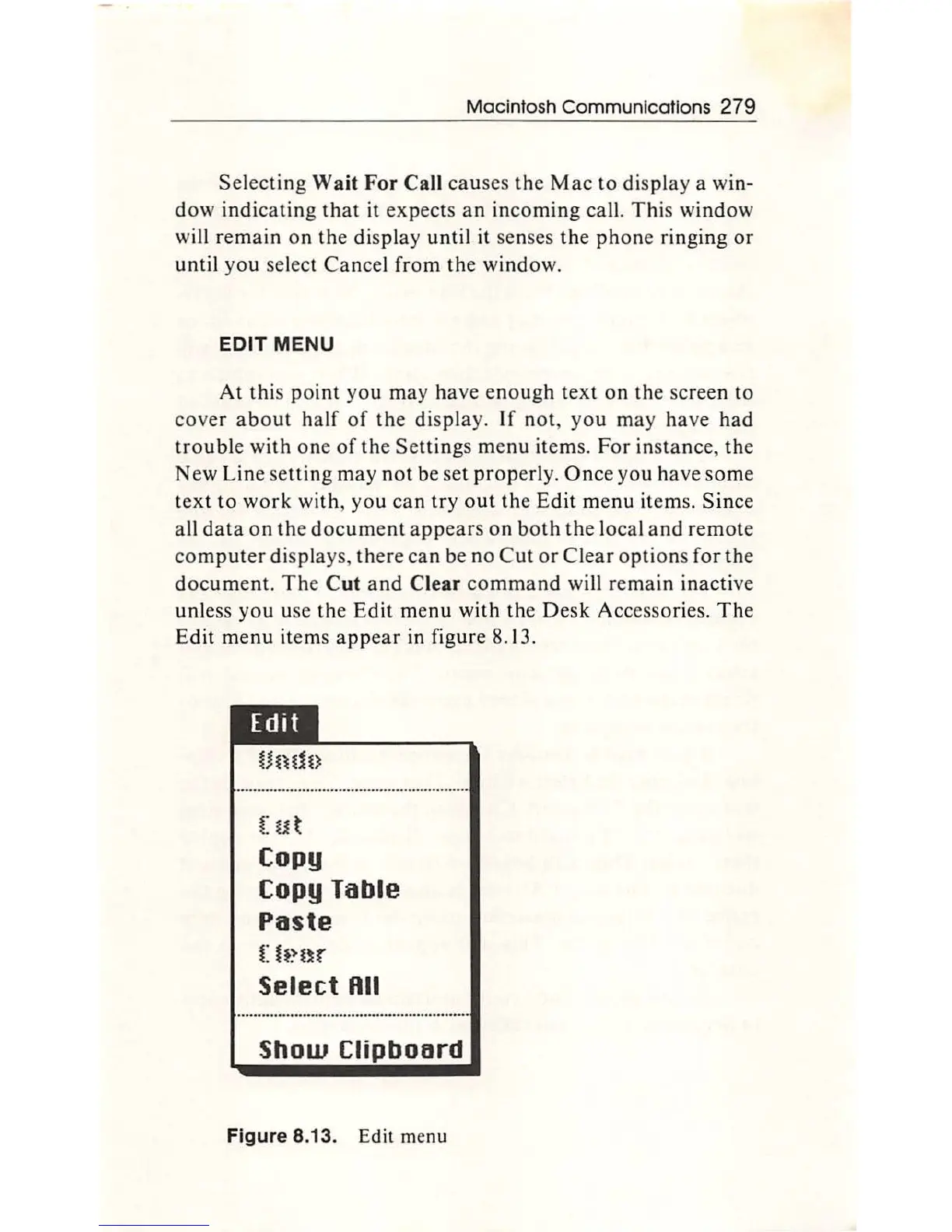
r in figure 8.13.
(
ut
Copy
Copy Table
Paste
t:h~nr
Select Rll
Show
Clipboard
Figure 8.13. Edit menu

Other manuals for Apple Macintosh

Related product manuals