EasyManua.ls Logo

Apple Macintosh - Keyboard, Mouse, and Printer Maintenance

Apple Macintosh
321 pages
Print Icon
To Next Page IconTo Next Page
To Previous Page IconTo Previous Page
Loading...
306 Macintosh
User's
Handbook
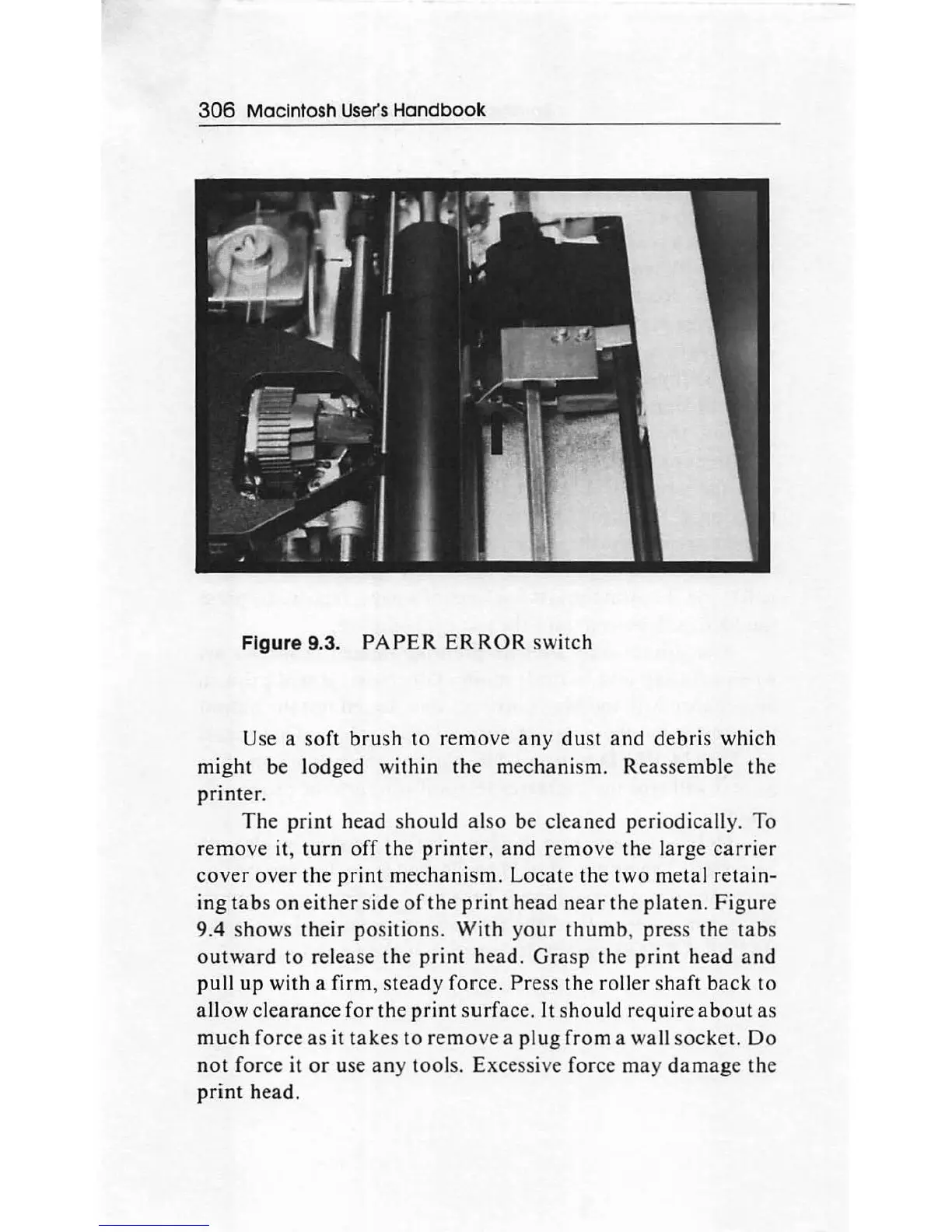
Figure 9.3.
PAPER
ERROR
switch
Use a
soft
brush
to
remove
any
dust
and
debris
which
might
be lodged
within
the
mechani
sm.
Re
asse
mble
the
printer
.
The
print
head
sho
uld
also
be
cleaned
periodically. To
remove
it,
turn
off
the
printer,
and
remove
the
large
carrier
cover
over
the
print
mechanism.
Locate
the
two
metal
retain-
ing
tabs
on
either
side
of
the
print
head
near
the
platen
.
Figure
9.4
shows
their
position
s.
With
yo
ur
thumb
,
pres
s
the
tab
s
outward
to
release
the
print
head.
Grasp
the
print
head
and
pull
up
with a
firm,
steady
force.
Press
the
roller s
haft
back
to
allow
clearance
for
the
print
surface.
It
should
require
about
as
much
force
as
it
takes
to
remove
a
plug
from
a wall
socket.
Do
not
force
it
or
use
any
tool
s. Excessive force
may
damage
th
e
print
head.

Other manuals for Apple Macintosh

Related product manuals