EasyManua.ls Logo

Apple Macintosh - Powering On and System Disk Insertion

Apple Macintosh
321 pages
Print Icon
To Next Page IconTo Next Page
To Previous Page IconTo Previous Page
Loading...
44 Macintosh
User's
Handbook
Power-On
The
first step
in
ex
ploring
the
System
Di
s
kette
is
to
power
on
the
Mac.
This
is
acco
mpli
shed by
pr
essi
ng
the
power
switch
loc
a
ted
on
the
r
ear
of
the
sys
tem
unit
to
th
e I
or
On
position.
The
power
switch is
show
n in figure
1.
2.
When
the
Mac
is
power
ed
on,
th
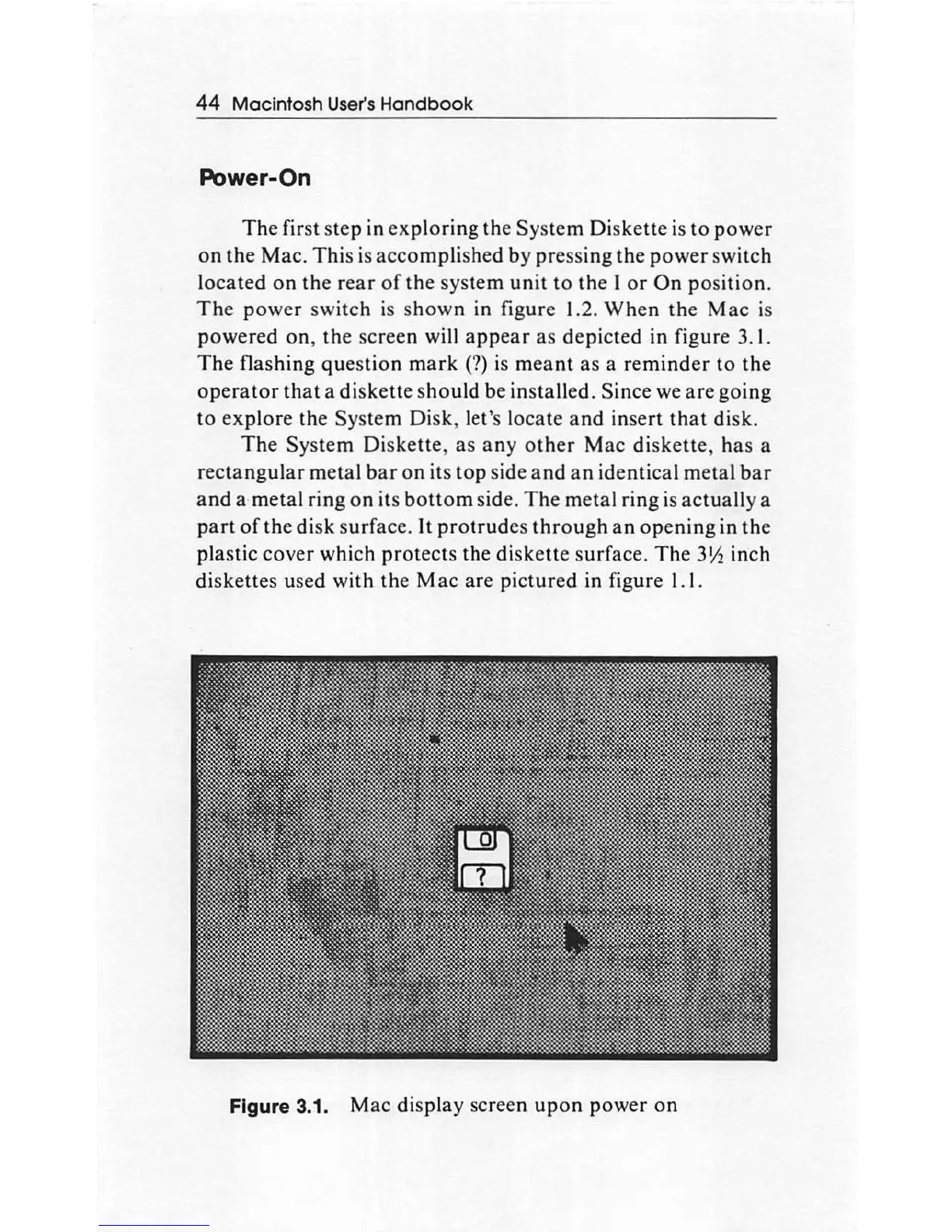
e screen will
appear
as
depict
ed in f
igure
3. I.
The
flashing
questi
on
mark
(?) is m
ea
nt
as
a
reminder
to
th
e
operator
that
a
di
ske
tt
e s
hould
be
installed.
Since
we
are
going
to
exp
lore
the
System
Di
sk,
le
t'
s
locate
and
inse
rt
th
at disk.
The
System
Diskette,
as
any
other
Mac
diskette
, h
as
a
re
ctangular
metal
bar
on
its
top
side a
nd
a n id
ent
ical metal b
ar
a
nd
a
metal
ring
on
its b
otto
m side.
The
m
etal
ring
is
ac
tuall
y a
part
of
the
disk
su
rface.
It
protrude
s
through
an
opening
in
the
plastic
cover
which
p
rotec
ts
the
di
ske
tte
s
ur
face.
The
3
Y2
inch
di
ske
tt
es used
with
the
Mac
are
pictured
in fig
ure
1.1.
Figure 3.1. M
ac
di
s
pla
y screen
up
on
power
on

Other manuals for Apple Macintosh

Related product manuals