EasyManua.ls Logo

Apple Macintosh - Page 45

Apple Macintosh
321 pages
Print Icon
To Next Page IconTo Next Page
To Previous Page IconTo Previous Page
Loading...
Using
the
Finder 45
Di
skettes s
hould
be inserted
into
the
disk
dri
ve
with
the
top
si
de
(the side
without
the
metal
ring in
the
center) facing
up
.
The
edg
e
with
the
rectangular
metal bar s
hould
be inse
rt
ed
into
the
disk
drive.
If
you
are
inserting
the
disk
properly
,
yo
u
s
hould
notice a
small
arrow
on
the
disk
surface
to
th
e left
of
th
e
metal
bar
. This
arrow
shou
ld be
pointing
toward
s
the
Mac's
disk drive.
The
proper
procedure
for
inserting
a
di
sk
into
a
Mac
disk
drive is sh
own
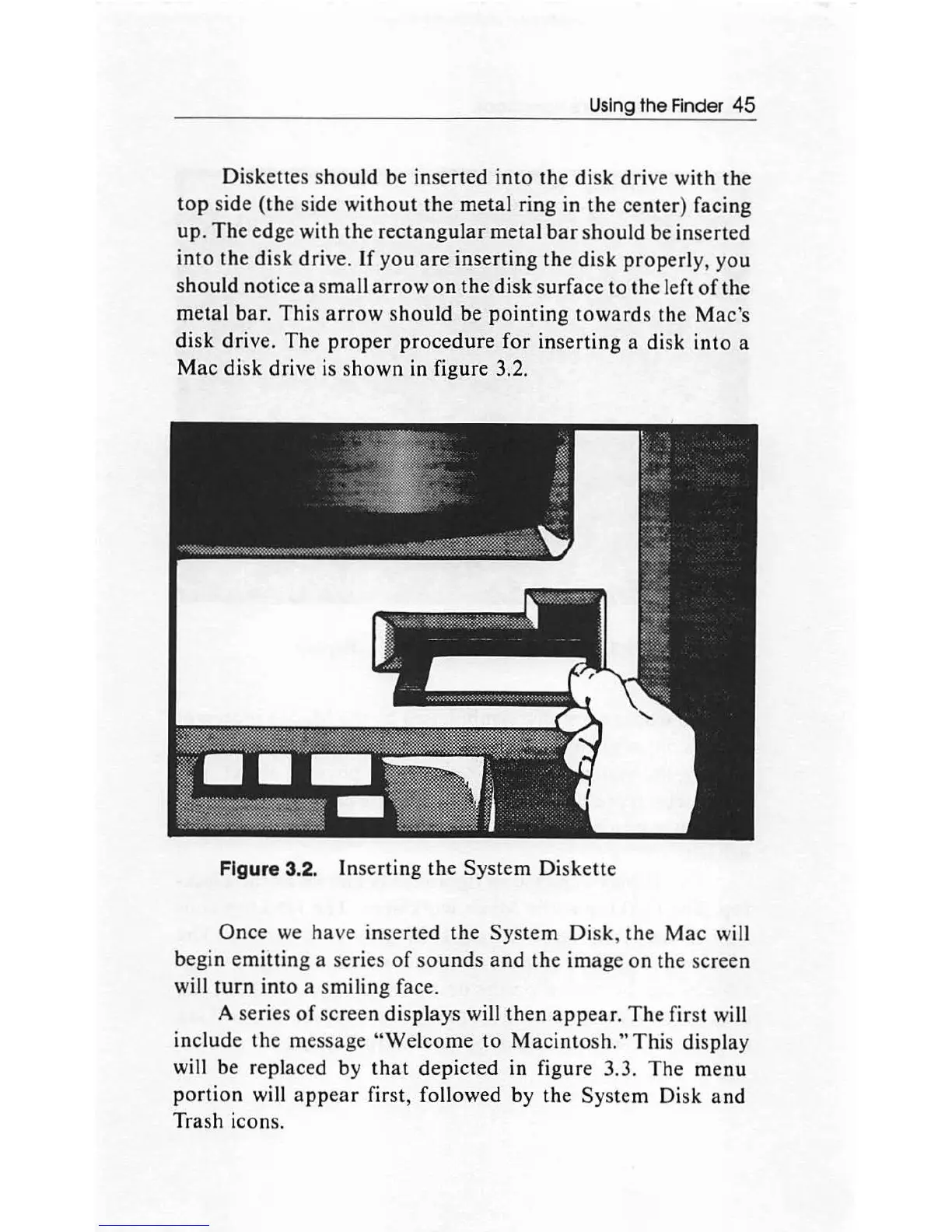
in figure 3.2.
Figure 3.2.
In
se
rting
the
System
Di
ske
tt
e
Once
we have
inserted
the
Syst
em
Disk
,
the
Mac
will
begin
emitting
a series
of
so
und
s and
th
e im
age
on
the
screen
will
turn
into
a smiling face.
A series
of
screen
display
s will
th
en
appear.
The
first will
include
the
message
"Welcome
to
Mac
in
tosh
."
This
di
sp
lay
will be replaced by
th
at
depicted
in
figur
e 3.3.
The
menu
portion
will
appear
first, followed
by
the
System
Di
sk
and
Trash icons.

Other manuals for Apple Macintosh

Related product manuals