Using
the
Finder 4 7
The Keyboard
The Mac keyboard resembles a typewriter keyboard in
most respects. All letters, numbers,
and
special characters
appear
in their usual places. The term
"Caps
Lockn replaces
the usual
"Shift
Lock"
but performs the same function for
alphabetic characters.
The
exceptions are the keys surrounding
the space bar:
• Option
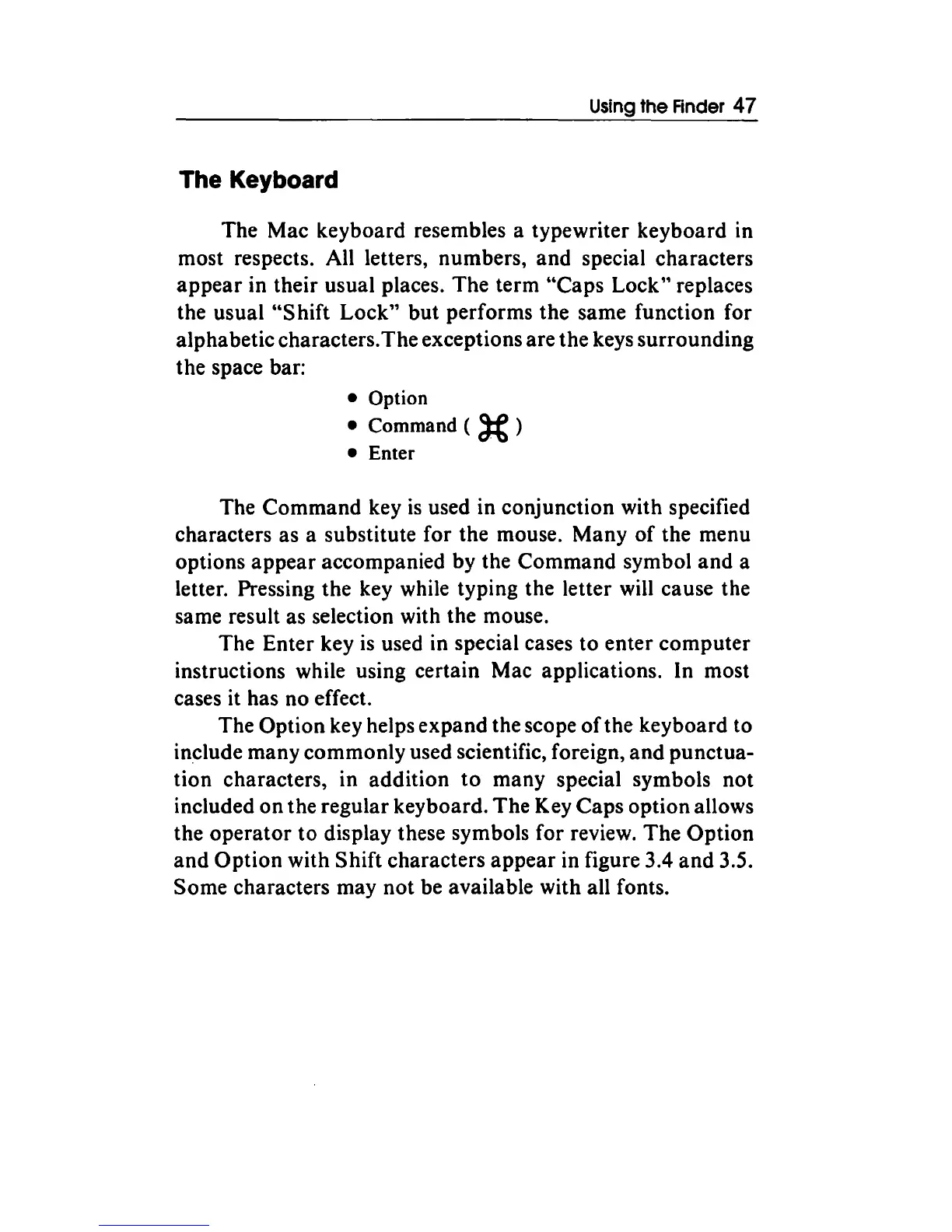
• Command (
)(
)
• Enter
The Command key
is
used in conjunction with specified
characters as a substitute for the mouse. Many
of
the menu
options
appear
accompanied by the Command symbol
and
a
letter. Pressing the key while typing the letter will cause the
same result as selection with the mouse.
The Enter key
is
used in special cases to enter computer
instructions while using certain Mac applications. In most
cases it has no effect.
The
Option key helps expand the scope
of
the keyboard to
in~lude
many commonly used scientific, foreign,
and
punctua-
tion characters, in addition
to
many special symbols not
included
on
the regular keyboard.
The
Key Caps option allows
the
operator
to display these symbols for review.
The
Option
and
Option
with Shift characters
appear
in figure 3.4
and
3.5.
Some characters may
not
be available with all fonts.



 To Next Page