Using
the Finder
51
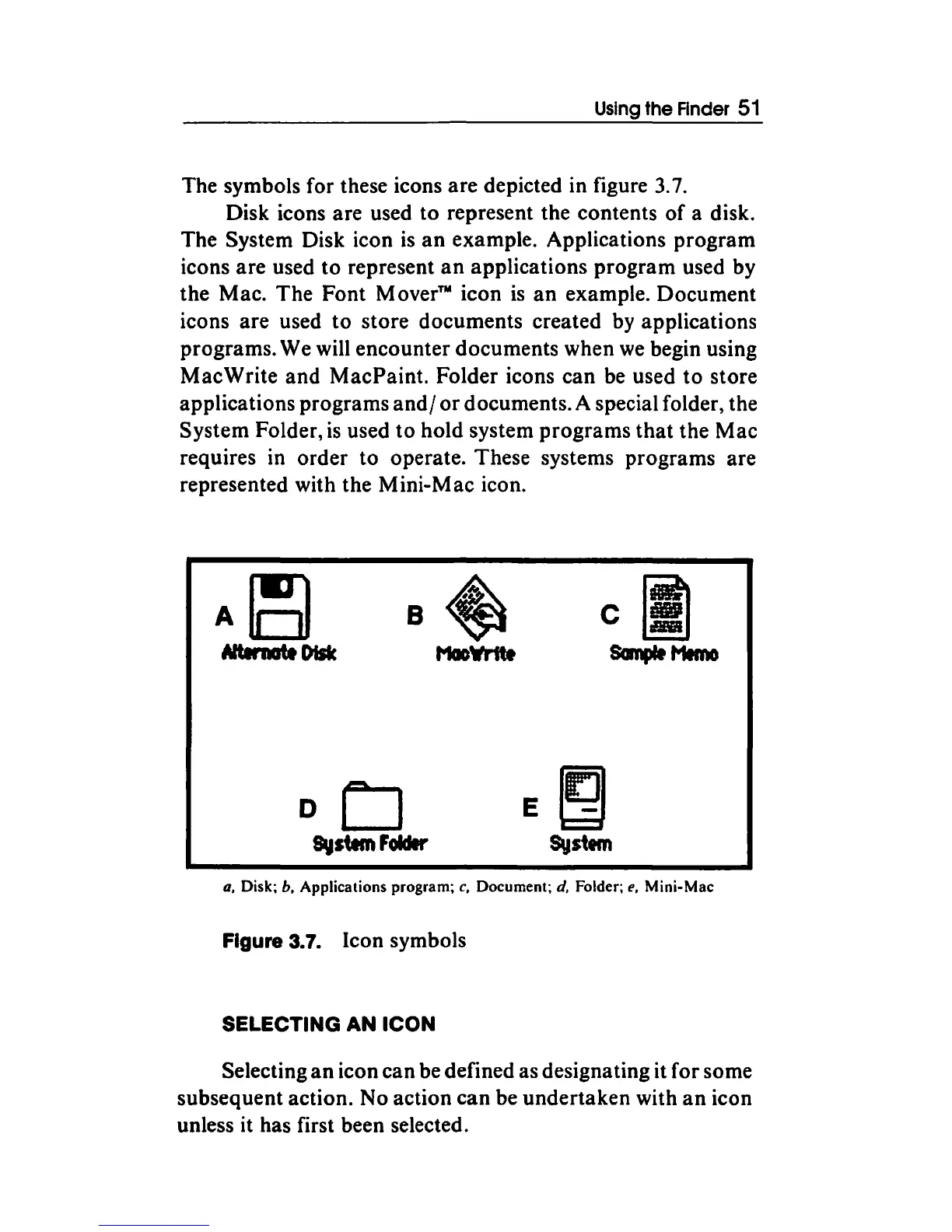
The symbols for these icons are depicted in figure
3.
7.
Disk icons are used to represent the contents
of
a disk.
The System Disk icon
is
an
example. Applications program
icons are used to represent
an
applications program used by
the Mac. The Font
Mover™
icon
is
an
example. Document
icons are used
to
store documents created by applications
programs. We will encounter documents when
we
begin using
MacWrite and MacPaint. Folder icons can be used
to
store
applications programs
and/
or
documents. A special folder, the
System Folder,
is
used
to
hold system programs
that
the Mac
requires in order
to
operate. These systems programs are
represented with the Mini-Mac icon.
oCJ
E!2)
System
Foldlr
Systtm
a,
Disk;
b,
Applications program;
c,
Document;
d,
Folder;
e,
Mini-Mac
Figure 3.7. Icon symbols
SELECTING AN
ICON
Selecting
an
icon can be defined as designating it for some
subsequent action. No action can be undertaken with
an
icon
unless it has first been selected.



 To Next Page