Using
the
Finder
95
NOTEPAD
The Note
Pad
provides
an
area
where the Mac user can
keep notes which are separate from the document being
worked on. The Edit menu commands can be used
to
copy text
to and from the Note Pad.
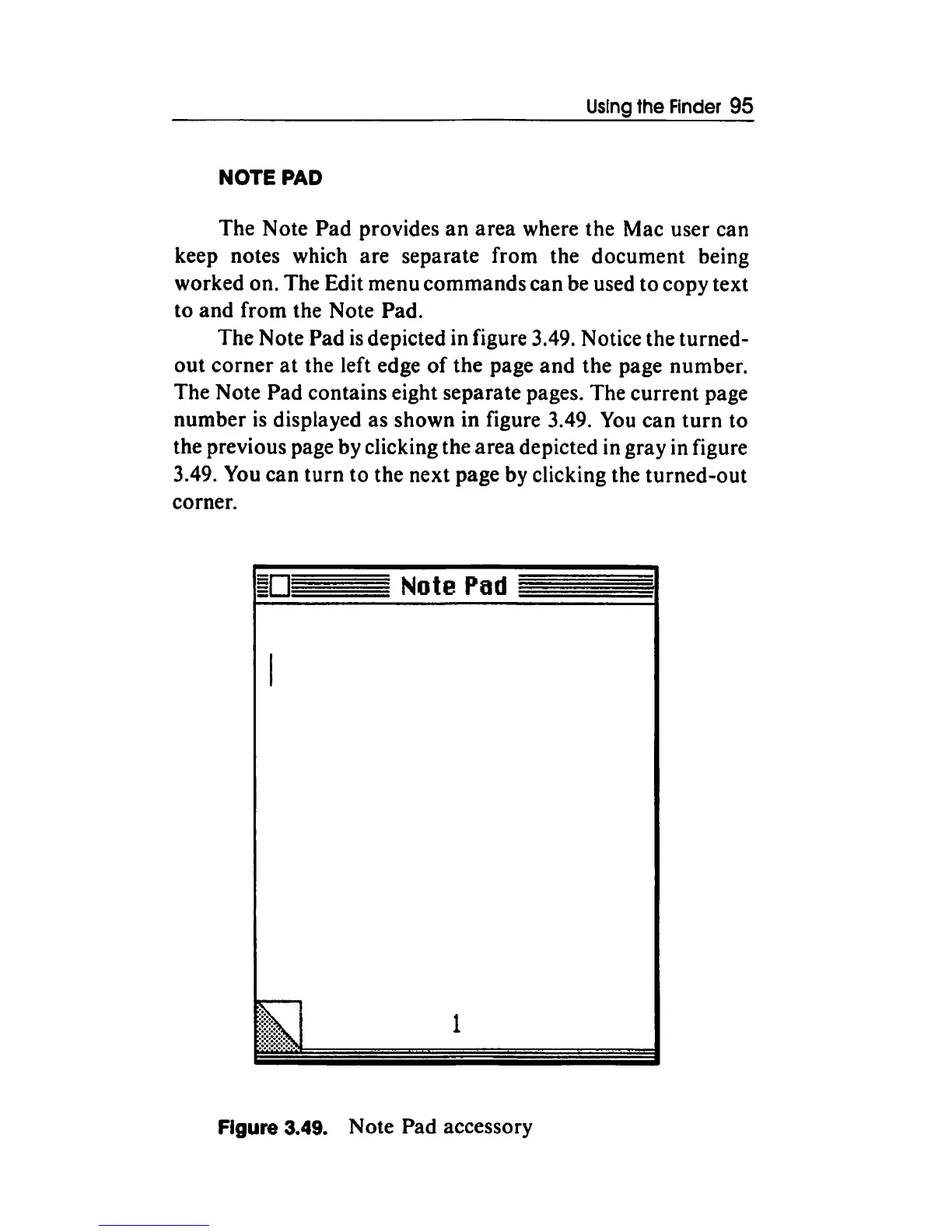
The Note Pad
is
depicted in figure 3.49. Notice the turned-
out
corner
at
the left edge
of
the page
and
the page number.
The Note Pad contains eight separate pages. The current page
number
is
displayed as shown in figure 3.49.
You
can
turn
to
the previous page by clicking the
area
depicted in gray in figure
3.49. You can
turn
to the next page by clicking the turned-out
corner.
Note
Pad
1
Figure 3.49. Note Pad accessory



 To Next Page