EasyManua.ls Logo

Apple Macintosh - Page 96

Apple Macintosh
321 pages
Print Icon
To Next Page IconTo Next Page
To Previous Page IconTo Previous Page
Loading...
96
Mac
intosh
User's
Handbook
CALCULATOR
The
Calculator
accessory
can
be used like a
standard
desktop
calculator. The
Calculator
results
can
be copied
to
a
document
or
to
another
accessory. Also,
numbers
from a
document
or
accessory
can
be
copied
to
the
Calculator's
display.
The
calculator
is
operated
either
with
the
mouse
or
by
typing
the
appropr
i
ate
entries
on
the keyboard.
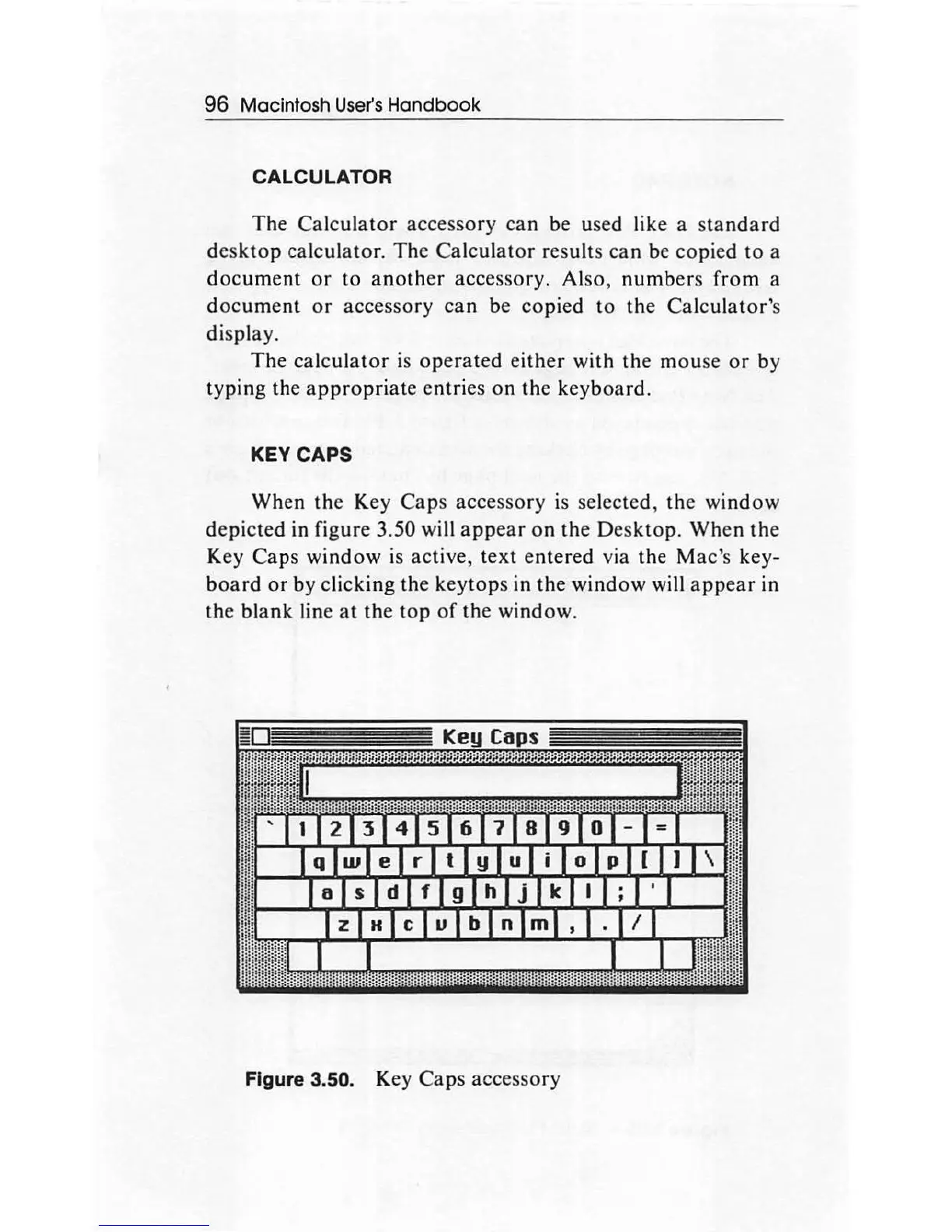
KEY CAPS
When
the Key
Caps
accessory is selected,
the
window
depicted
in figure 3.50 will
appear
on
the
Desktop.
When
the
Key
Caps
window
is active,
text
entered
via the
Mac's
key-
board
or
by clicking the keytops in the
window
will
appear
in
the
blank
line
at
the
top
of
the window.
Figu
re
3.50. Key
Caps
accessory

Other manuals for Apple Macintosh

Related product manuals