106 Chapter 6 Working With Graphics and Other Media
About Inline Objects
Inline objects are embedded in the text flow. If you type more text above them,
they are pushed along as the text grows. The selection handles on the top of inline
objects are inactive. You cannot drag these handles to resize the object; you can
only resize it by dragging the active handles.
For inline objects, an anchor icon is also visible within the object’s container when
it’s selected.
If you are placing a graphic or shape inside of another shape, text box, or table cell,
it can only be placed in line with the text. Inline images are automatically resized to
fit within the layout margins of the document. To move an inline object to a
different position within the text, select it and drag it until you see the insertion
point appear where you want to drop it.
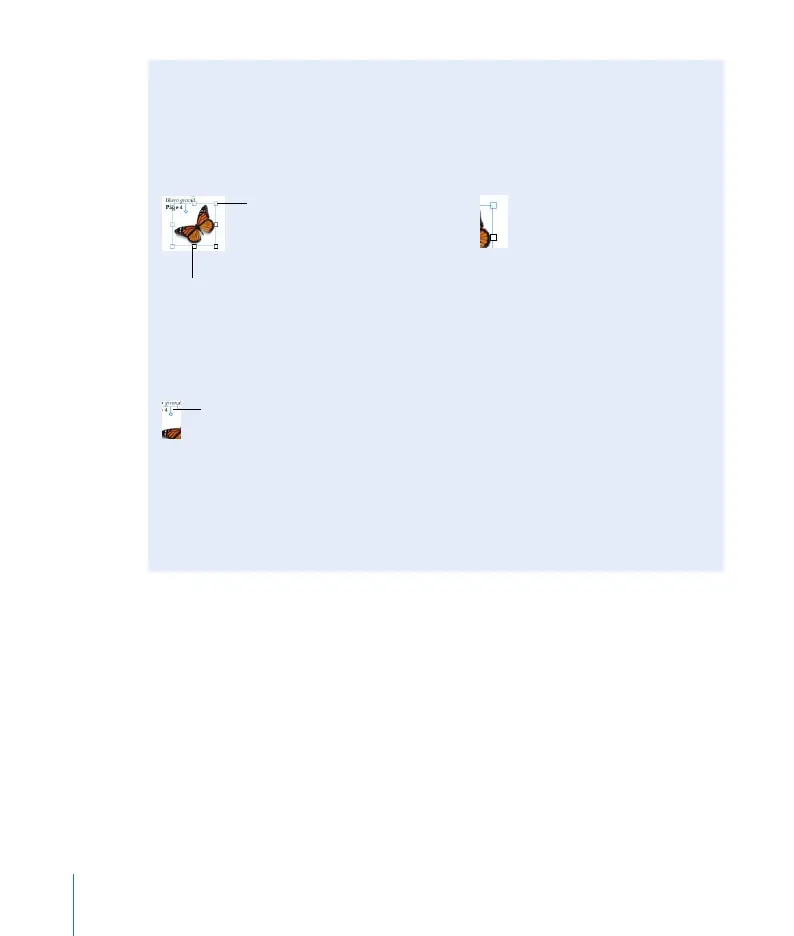
The top selection
handles are inactive for
inline objects.
Drag the active selection
handles down or to the
right to resize.
A close-up view of
inactive selection handle
(top) and active selection
handle (bottom).
Anchor icon



 To Next Page