Chapter 11 Designing Your Own Document Templates 185
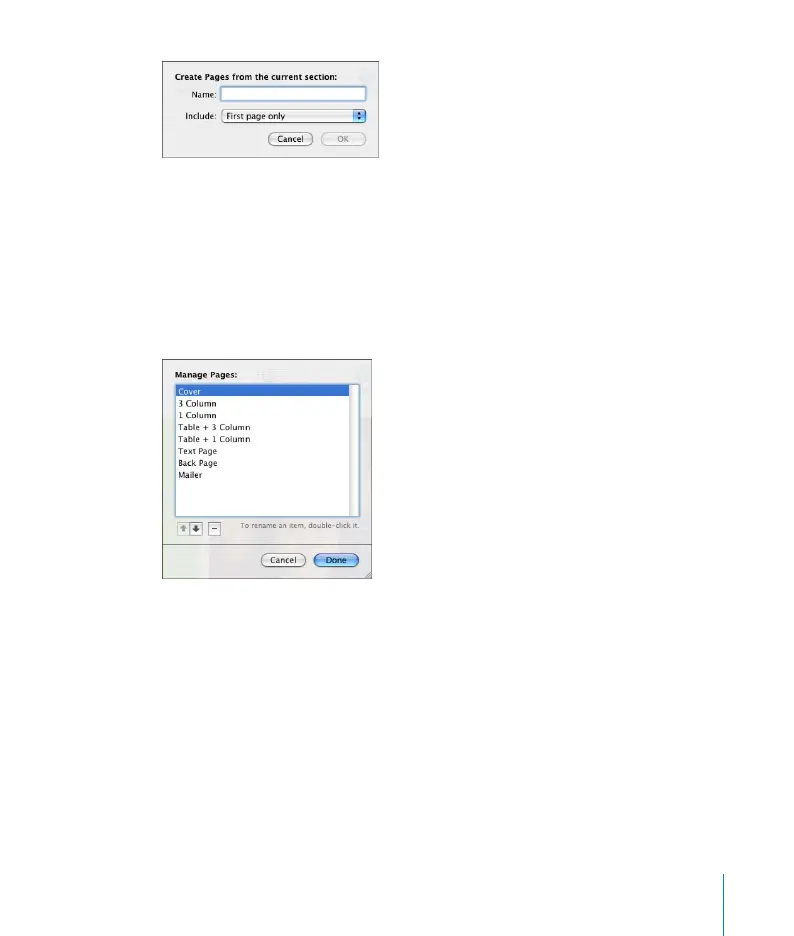
3 Type a name for the page design.
4 Choose the number of pages you want to include in the page design from the Include
pop-up menu.
5 Delete the pages from your template if you want them to appear only in the Pages
submenu, but not as a regular part of the template.
To manage page layouts you have created:
1 Choose Format > Advanced > Manage Pages. A dialog opens.
2 Select a page title and click the up or down arrow buttons to change its position in
the list.
Click the Delete button to remove it from the list.
3 Click Done.



 To Next Page