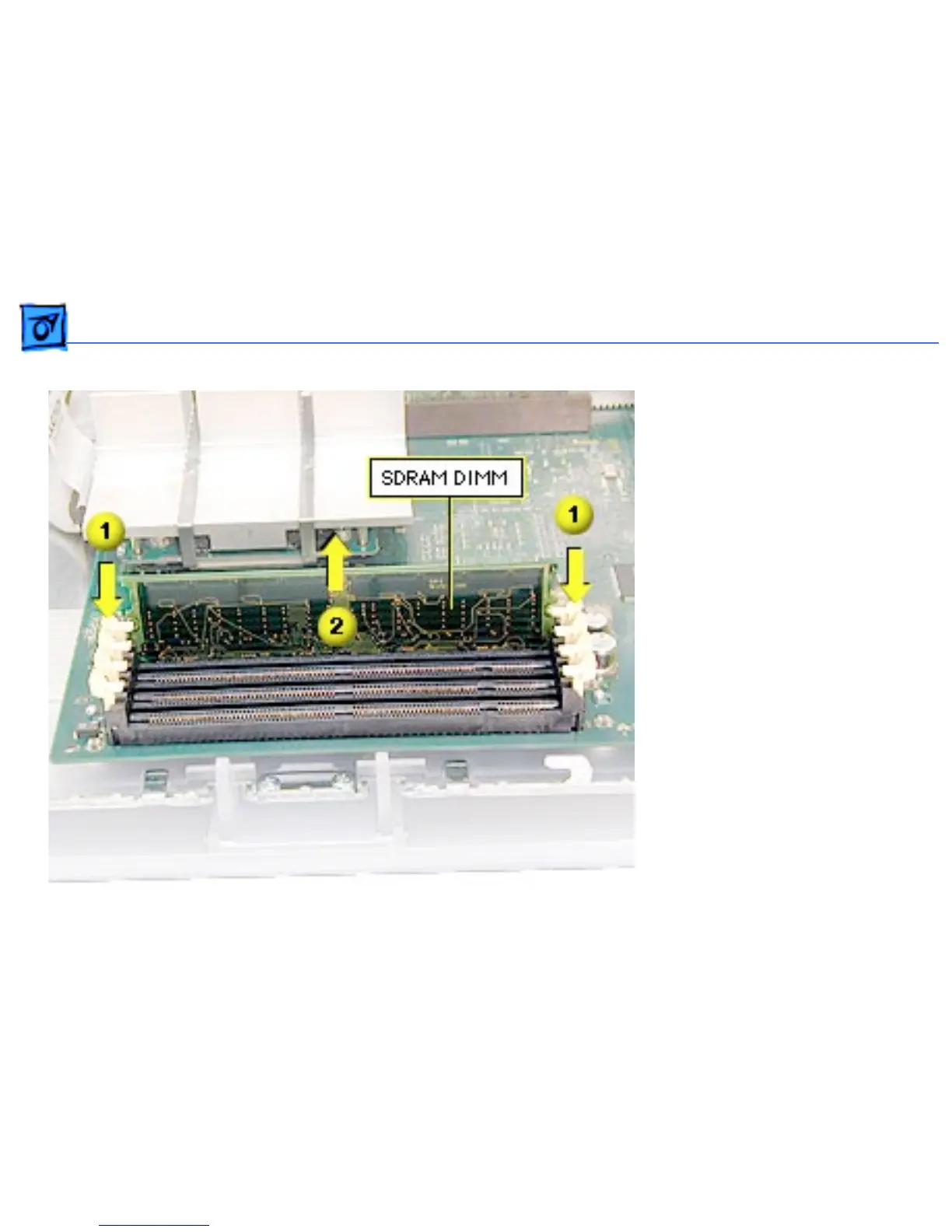
Take Apart SDRAM DIMM - 58
1. Push down on the
connector clips to unlock
the DIMM.
2. Holding the DIMM by
both top corners, lift
straight up out of the
slot.
Warning: When removing or
installing the DIMM, handle
it only by the edges. Lift the
DIMM straight up from the
connector to remove it, and
insert the DIMM straight
down into the connector to
install it. Do not rock the
DIMM from side to side.



 To Next Page