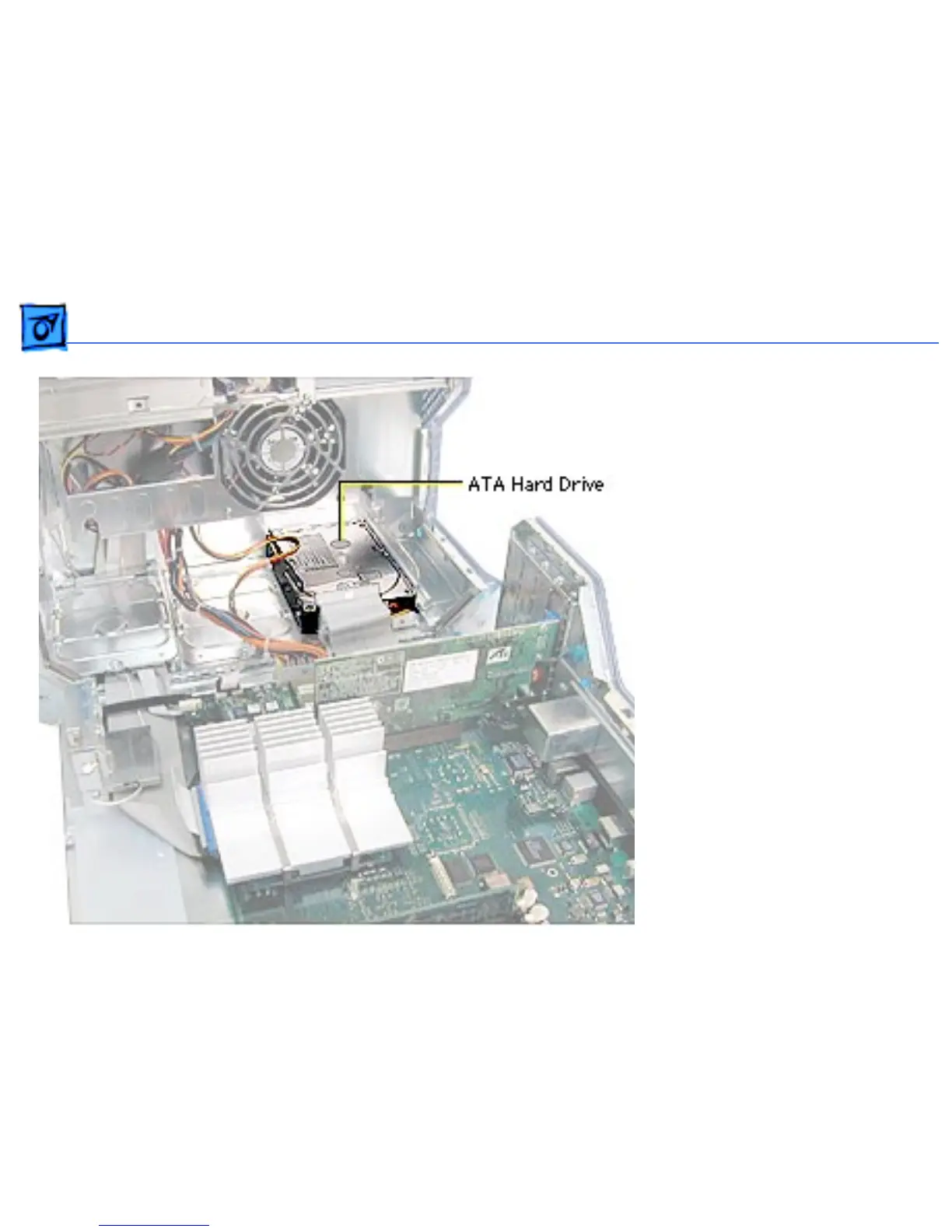
Take Apart Hard Drive, IDE /ATA - 59
Hard Drive, IDE /ATA
Before you begin, open the
side access panel.
Note: The Power Mac G4
supports a total of three
internal hard drives. It can
accommodate up to two Ultra
ATA drives in drive bay 3,
near the rear of the
computer. ATA drives are
not supported in drive bay 1
or 2.
Note: You must assign a SCSI
ID number to every
additional hard drive and the
number must not conflict



 To Next Page