Take Apart Hard Drive, IDE /ATA - 64
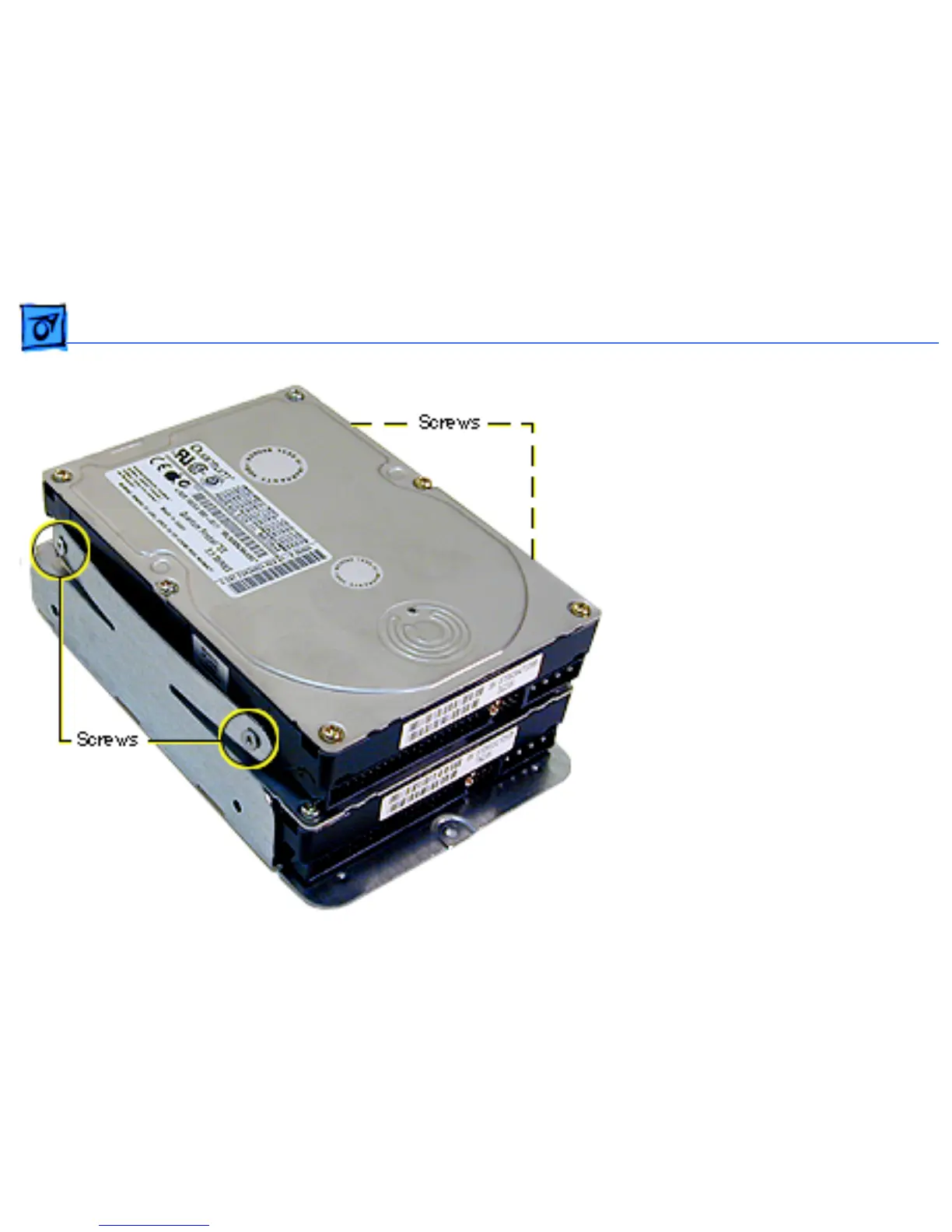
Replacement Note: To install
two drives in the U-shaped
carrier, install the first
drive in the bottom of the
carrier. Then place the
second drive in the carrier’s
upper bay and attach screws
through the sides of the
carrier into the sides of the
drive. Note that tightening
screws on the left side of the
carrier bends the arms of
the carrier into the drive,
holding it securely.



 To Next Page