Take Apart Hard Drive, IDE /ATA - 63
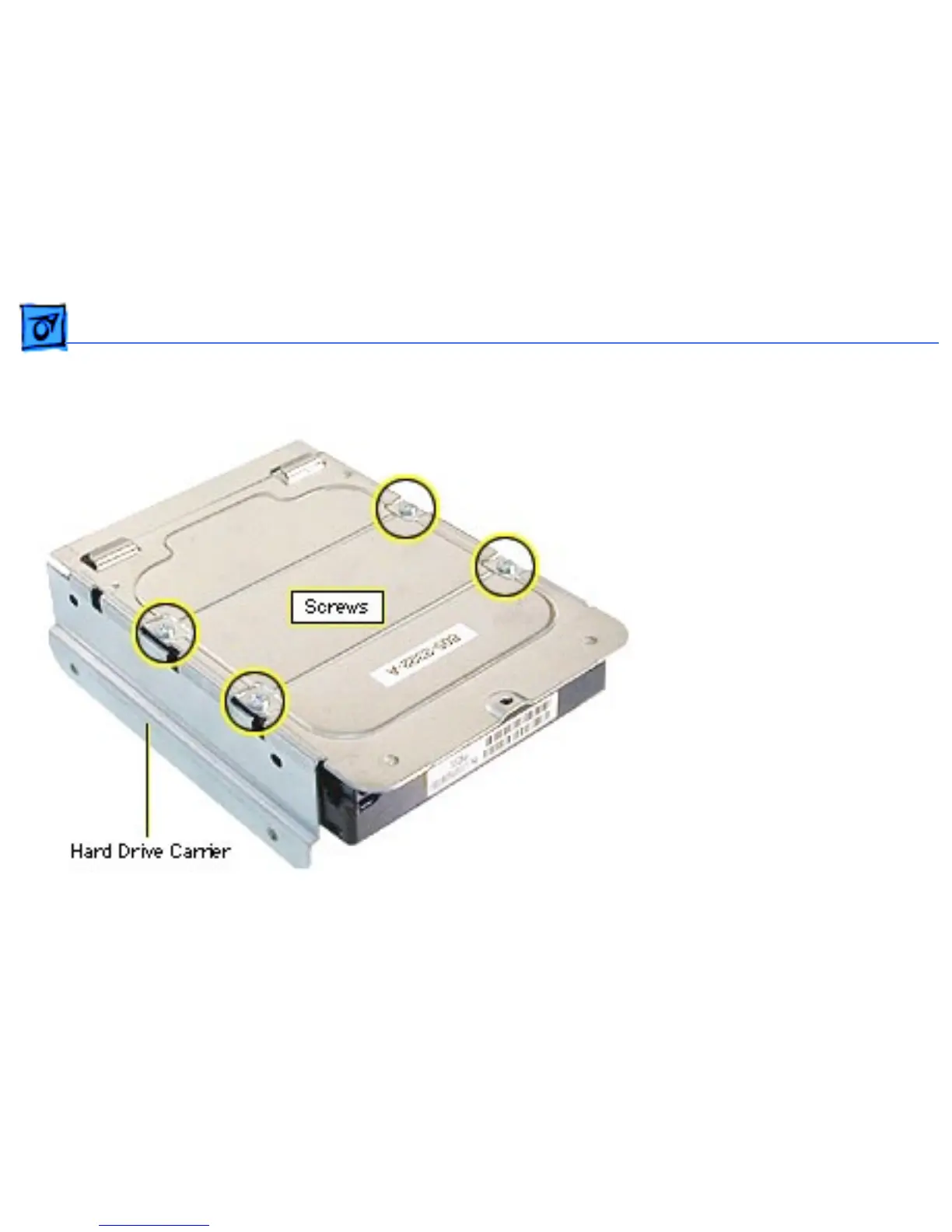
5. If you’re returning the
drive to Apple, remove
the screws that mount
the hard drive to the
carrier.
6. Lift the hard drive from
the carrier.
Note: Drives must be
returned to Apple in Apple
packaging, without cables or
carriers. Failure to comply
with this requirement may
result in a packaging
noncompliance charge. For
more information, refer to
the service parts database.



 To Next Page