Chapter 2 Using Your Computer 27
Connecting Multiple USB Devices
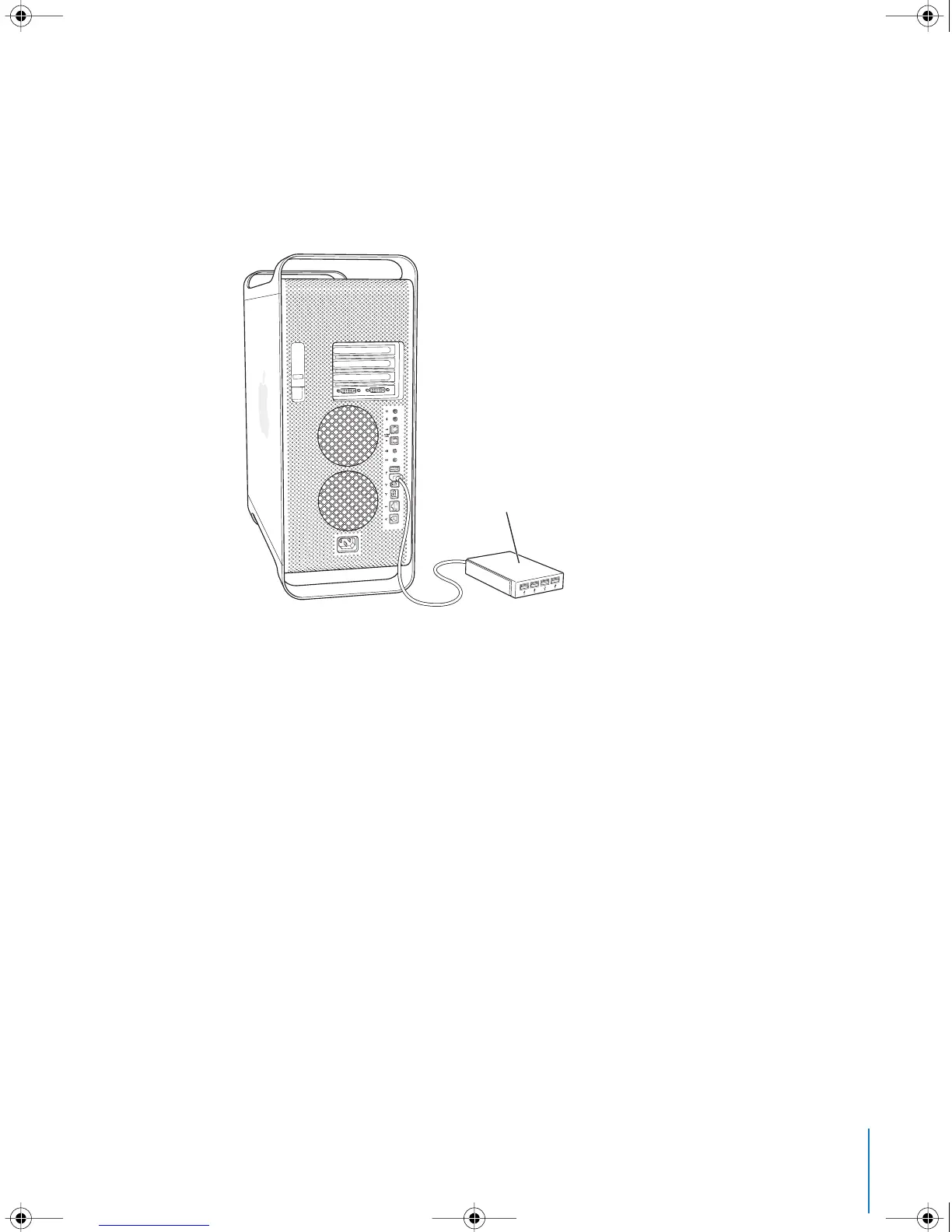
If you want to connect more than three USB devices, you can purchase a USB hub. The
USB hub connects to an open port on your computer and provides additional USB
ports (usually four or seven).
Note: To use certain USB devices, you may need a powered USB hub.
For More Information on USB
Additional information on USB is available in Mac Help. Choose Help > Mac Help and
search for “USB.” You can also find information on the Apple USB website at
www.apple.com/usb.
For information on USB devices available for your computer, go to the Macintosh
Products Guide at www.apple.com/guide.
USB hub
LL3218Q87.book Page 27 Wednesday, March 16, 2005 6:28 PM



 To Next Page