Chapter 3 Working Inside Your Computer 45
4 Unplug all the cables and the power cord from the computer.
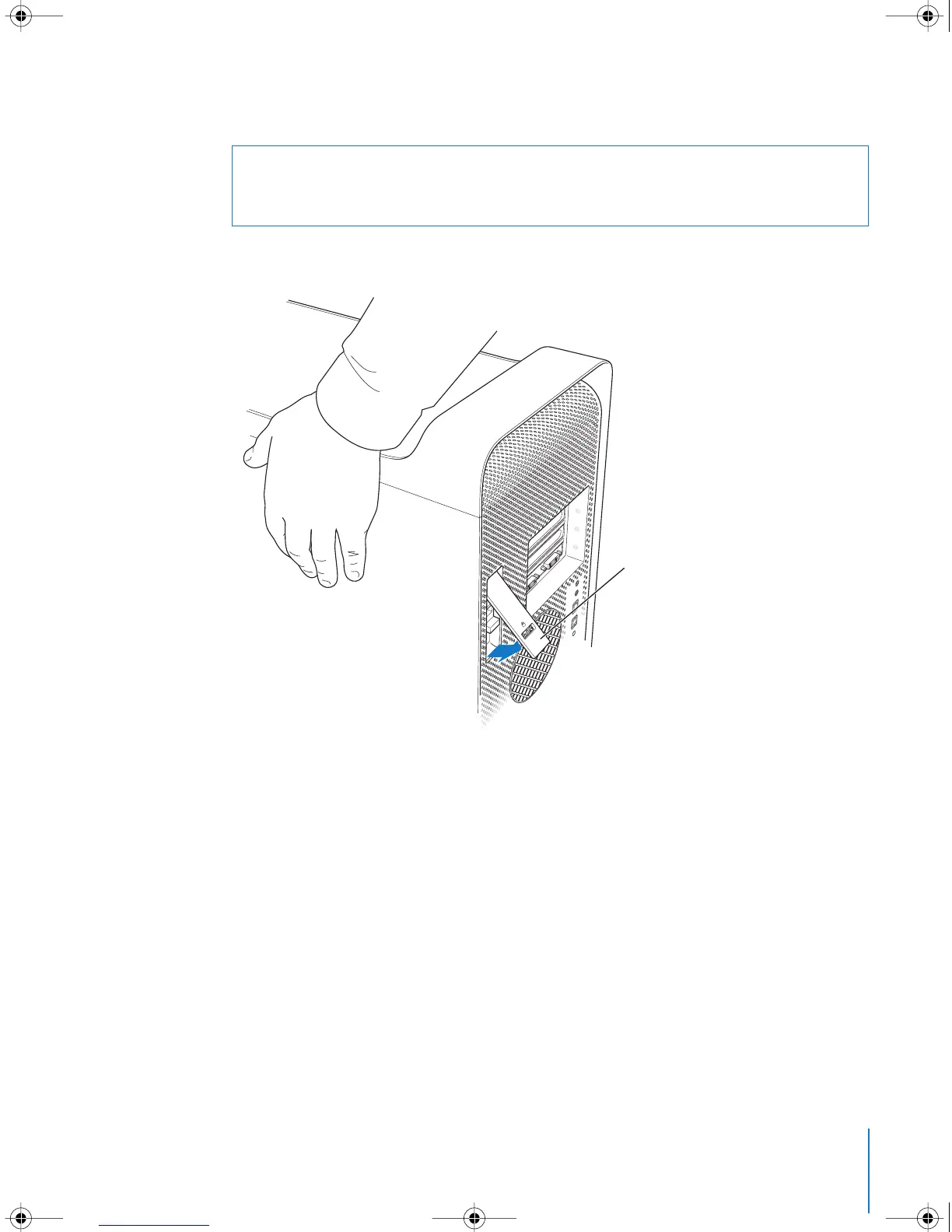
5 Hold the side panel and lift the latch on the back of the computer.
·
Warning: To avoid damaging its internal components or the components you want to
install, always unplug your Power Mac G5. Do not attempt to install items inside the
computer while it is plugged in.
While holding the side
panel, lift the latch.
LL3218Q87.book Page 45 Wednesday, March 16, 2005 6:28 PM



 To Next Page