46 Chapter 3 Working Inside Your Computer
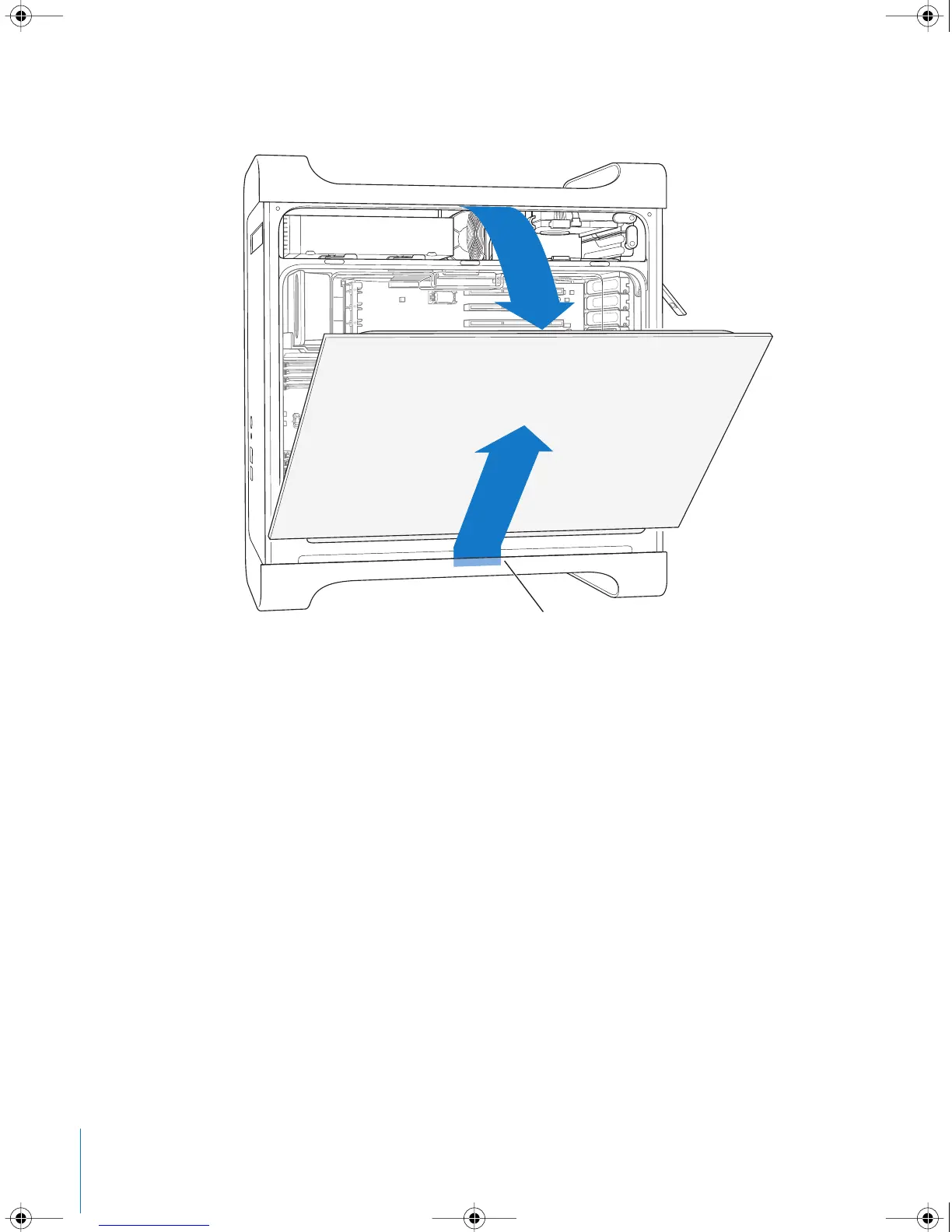
6 Remove the side panel.
Important: When you remove the side panel, hold it securely.
Pull the top of the side panel away from the computer,
and then lift it up and remove it from the computer.
LL3218Q87.book Page 46 Wednesday, March 16, 2005 6:28 PM



 To Next Page