Chapter 3 Working Inside Your Computer 47
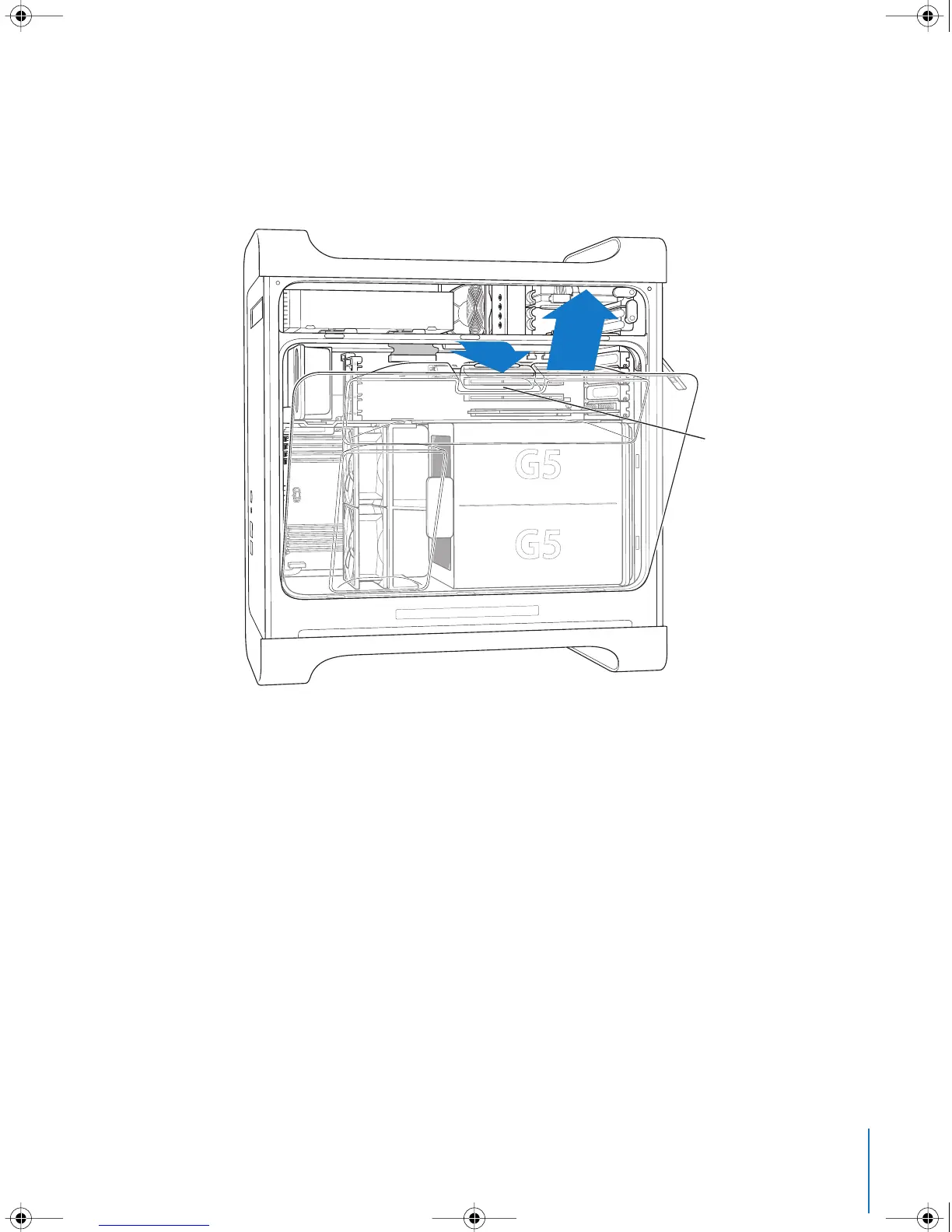
7 Remove the air deflector and place it on a soft, clean cloth.
Important: Always remember to replace the air deflector after you have finished
working inside your computer. Your computer will not function properly without the air
deflector.
Using this finger hold,
pull the air deflector away
from the computer, and
then lift the air deflector
up and away from
the computer.
LL3218Q87.book Page 47 Wednesday, March 16, 2005 6:28 PM



 To Next Page