48 Chapter 3 Working Inside Your Computer
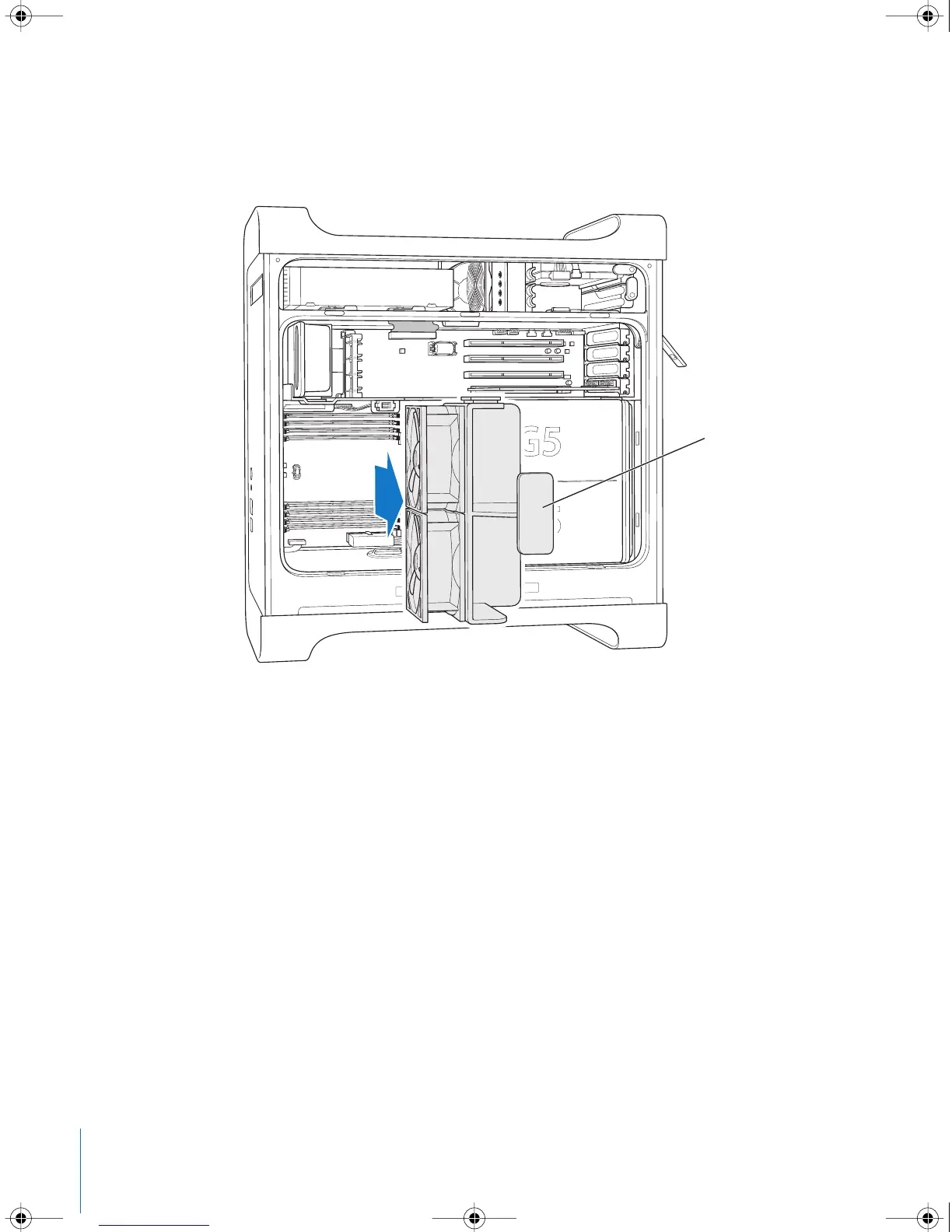
8 Pull the front fan assembly by the handle to remove it from the computer. Set it aside.
Note: You do not need to remove the front fan assembly to install drives, install PCI and
AGP cards, or replace the battery.
Pull the fan assembly
completely out of
the computer.
LL3218Q87.book Page 48 Wednesday, March 16, 2005 6:28 PM



 To Next Page