54 Chapter 3 Working Inside Your Computer
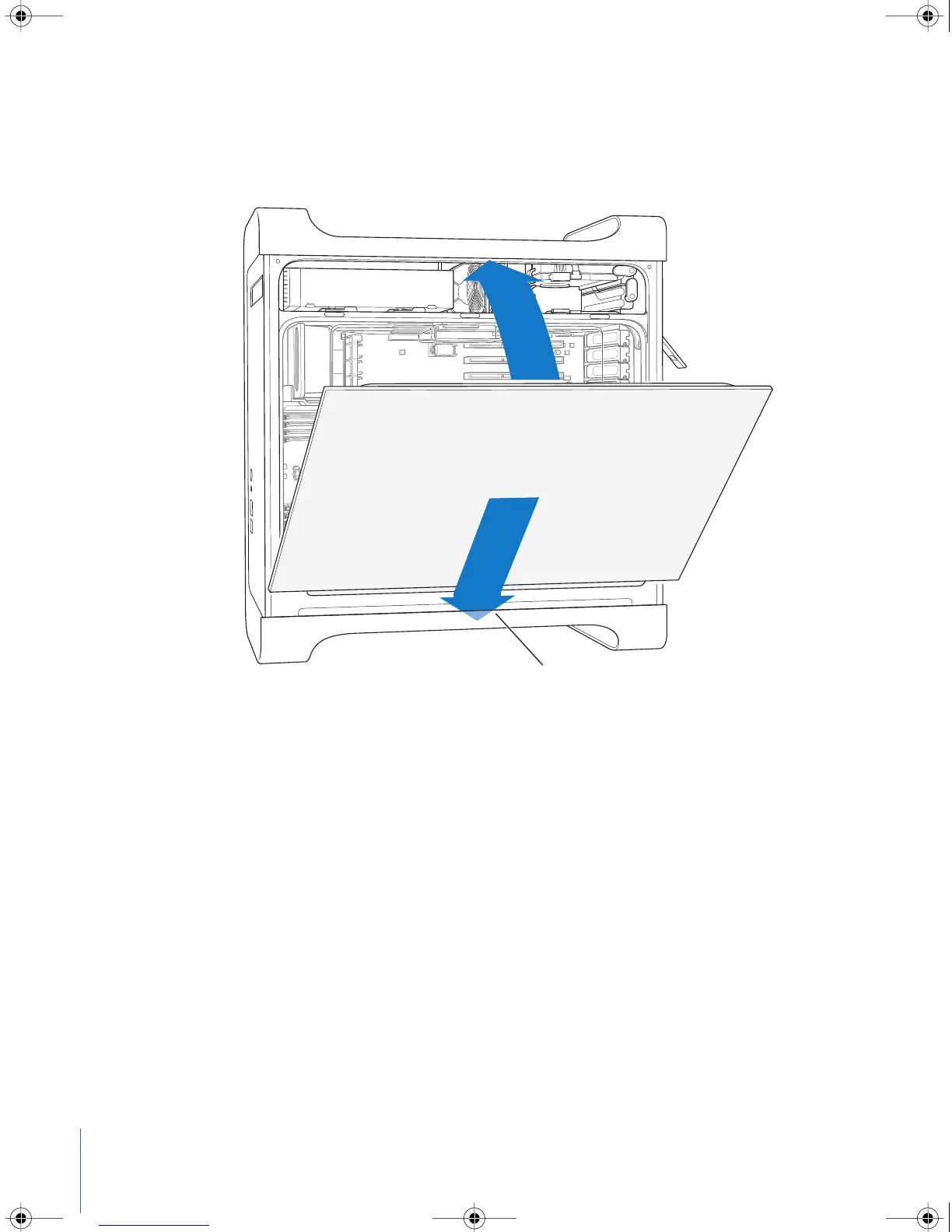
8 Replace the side panel.
Important: Always replace the side panel before you start up your computer. Your
computer does not function properly if the side panel is not in place.
Place the side panel into the slot in the computer
and then push the side panel closed.
LL3218Q87.book Page 54 Wednesday, March 16, 2005 6:28 PM


 To Next Page
 Loading...


