Chapter 3 Working Inside Your Computer 55
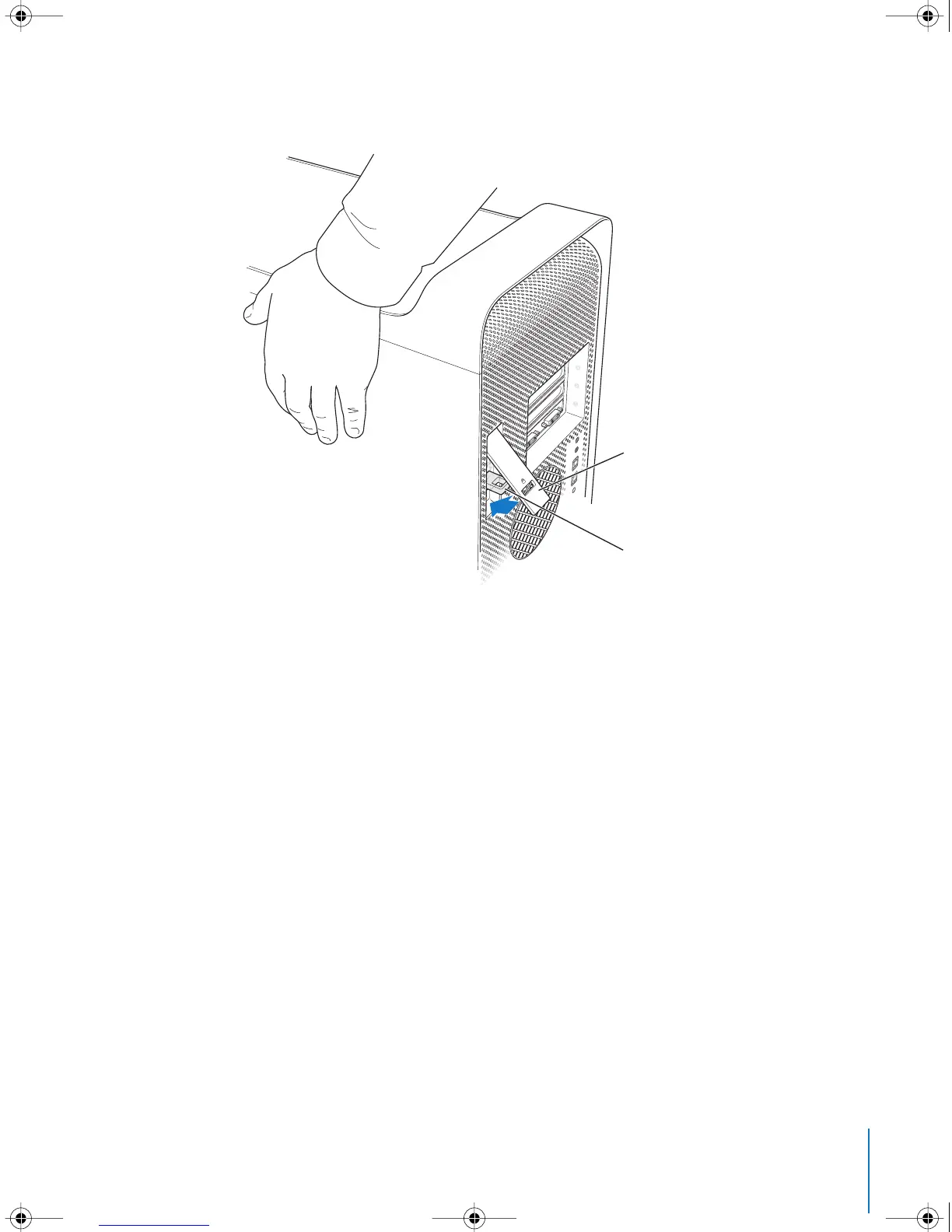
9 Push the latch down to close and secure the side panel.
Important: When you replace the side panel, hold it securely so that it stays in place as
you push the latch down.
While pushing the side panel against
the computer, push the latch down
until it is firmly secured against the
back of the computer.
To lock the side panel or secure the
computer, flip down the lock tab
before you close the latch. This
provides a metal loop through
which you can attach a lock or cable.
LL3218Q87.book Page 55 Wednesday, March 16, 2005 6:28 PM



 To Next Page