96 Appendix C Connecting to the Internet
To test your Internet configuration:
1 Open the Internet Connect application (in the Applications folder).
2 Click the Internal Modem icon, if necessary.
3 Enter your dial-up telephone number, account name, and password, if necessary.
4 Click Connect.
Internet Connect dials your ISP and establishes a connection.
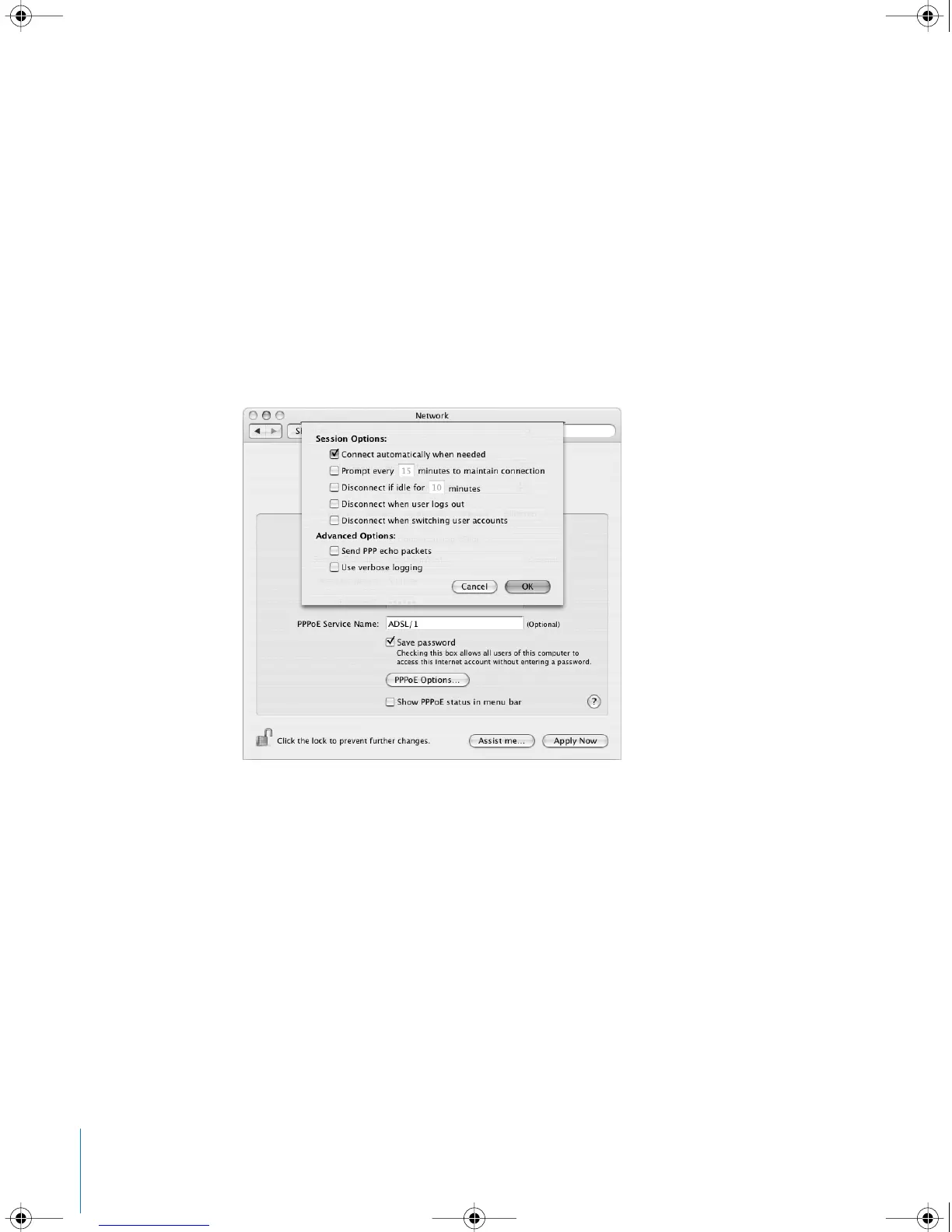
To connect automatically when you start an Internet application, such as a
web browser or email:
1 Click PPP Options (in the PPP pane of Network preferences).
2 Select the “Connect automatically when needed” checkbox.
3 Click OK and Apply Now.
LL3218Q87.book Page 96 Wednesday, March 16, 2005 6:28 PM



 To Next Page