Studio Display (17" ADC) Take Apart -
25
Deflection Board and Mount Assembly
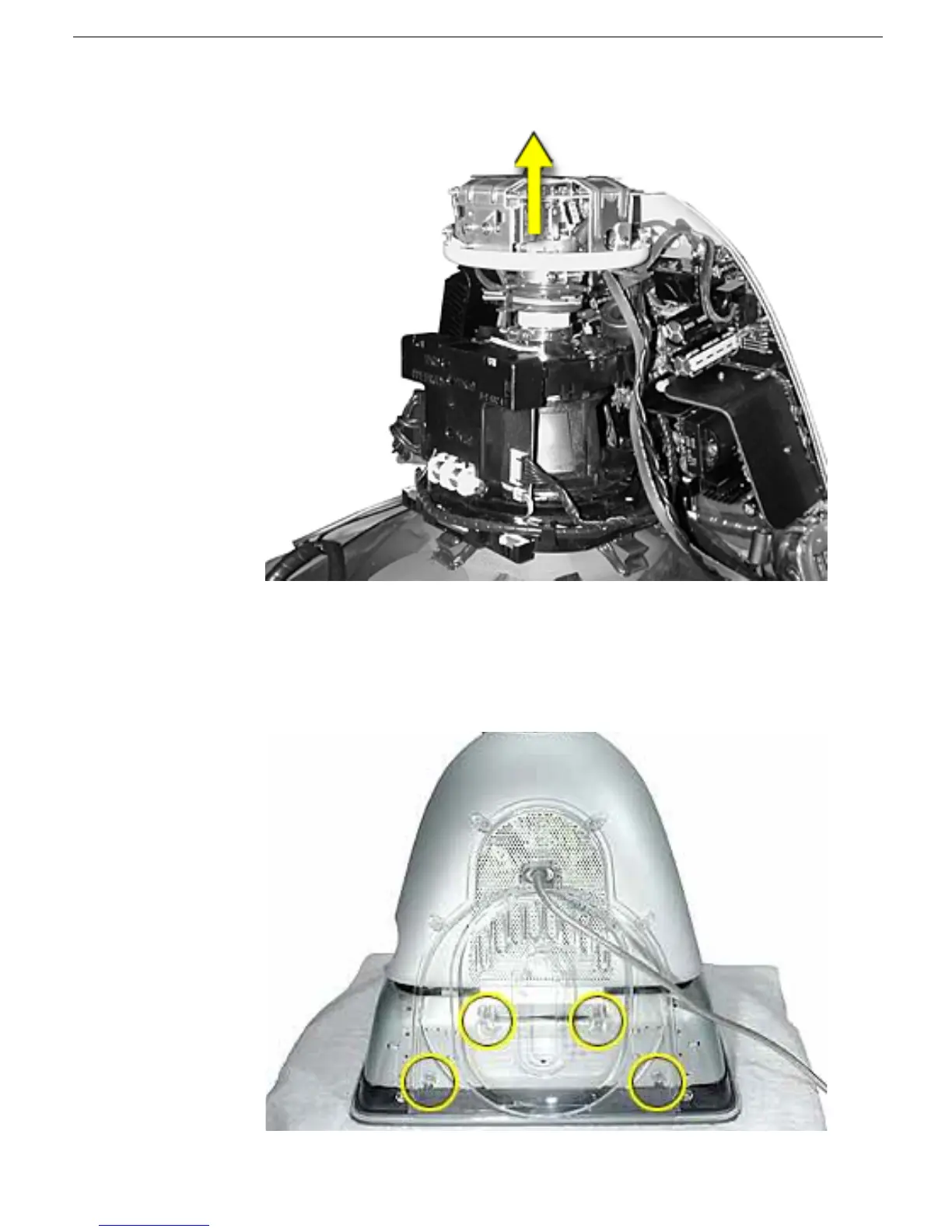
3. Pull the video assembly straight up and off the neck of the CRT.
Replacement Note:
Visually inspect the pins on the CRT and straighten any that are
bent. Carefully align and position the video assembly connector on the neck of the
CRT before pressing it down firmly.
4. Remove four screws from the stand tilt base.



 To Next Page