Studio Display (17" ADC) Take Apart -
27
Deflection Board and Mount Assembly
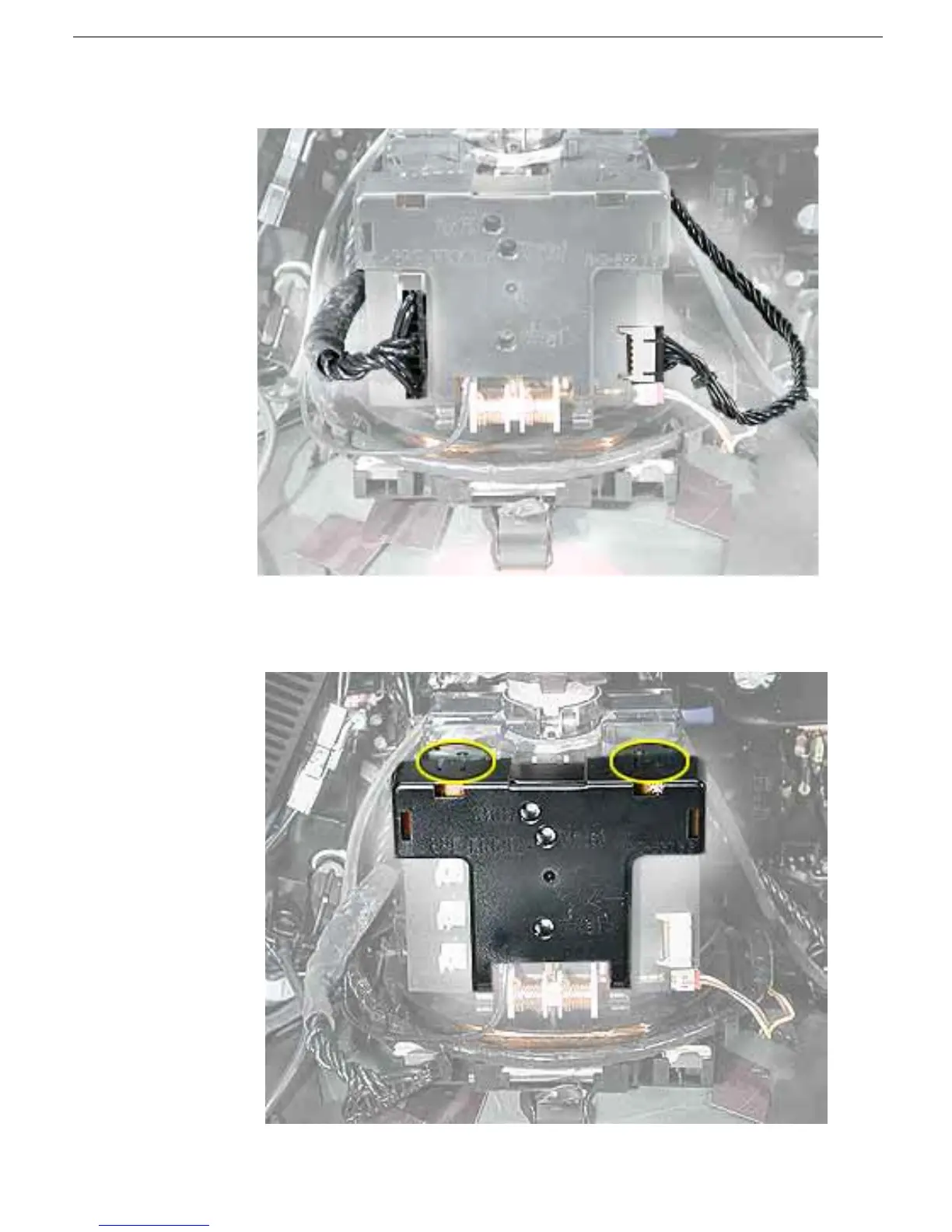
7. Disconnect two anode cables from connectors at the rear of the CRT/yoke board.
8. Using a small, plastic flat-blade screwdriver, release two tabs at the top of the CRT/
yoke board cover and separate the cover from the CRT/yoke board.



 To Next Page