EasyManua.ls Logo

Apricorn Aegis Padlock Pro - User Manual

Apricorn Aegis Padlock Pro
21 pages
Print Icon
To Next Page IconTo Next Page
Loading...
Users Manual
Aegis Padlock
Pro

Other manuals for Apricorn Aegis Padlock Pro

Question and Answer IconNeed help?

Do you have a question about the Apricorn Aegis Padlock Pro and is the answer not in the manual?

Summary

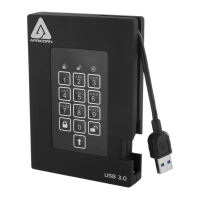
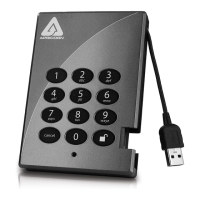
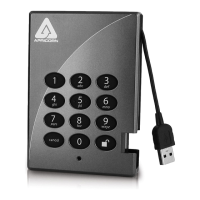
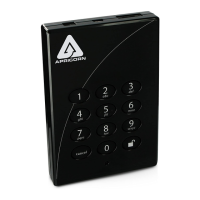
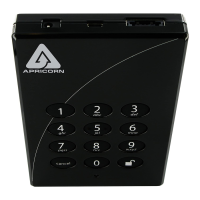
Aegis Padlock Pro Button Panel

Getting Started: Initial Setup

First-Time Use and Password Recovery

Mac OS Setup and Formatting

Using the Aegis Padlock Pro

Entering and Exiting Admin Mode

Detailed steps for accessing and leaving the Admin Mode.

Password Management

Changing the Administrator Password

Procedure for modifying the device's administrator PIN number.

User Password Management

Adding, Deleting, and Changing User Passwords

Guides on managing user passwords, including creation and removal.

Brute Force Protection

Device Reset and Initialization

Performing a Complete Reset and Reformatting

Steps for factory reset and subsequent drive initialization and formatting.

Troubleshooting Common Issues

Apricorn Aegis Padlock Pro Specifications

General IconGeneral
TypeHDD
HDD size- \
HDD speed- RPM
HDD capacity500 GB
Storage drive buffer size- MB
USB 2.0 ports quantity1
Product colorBlack
LED indicatorsYes
Bus poweredNo

Related product manuals