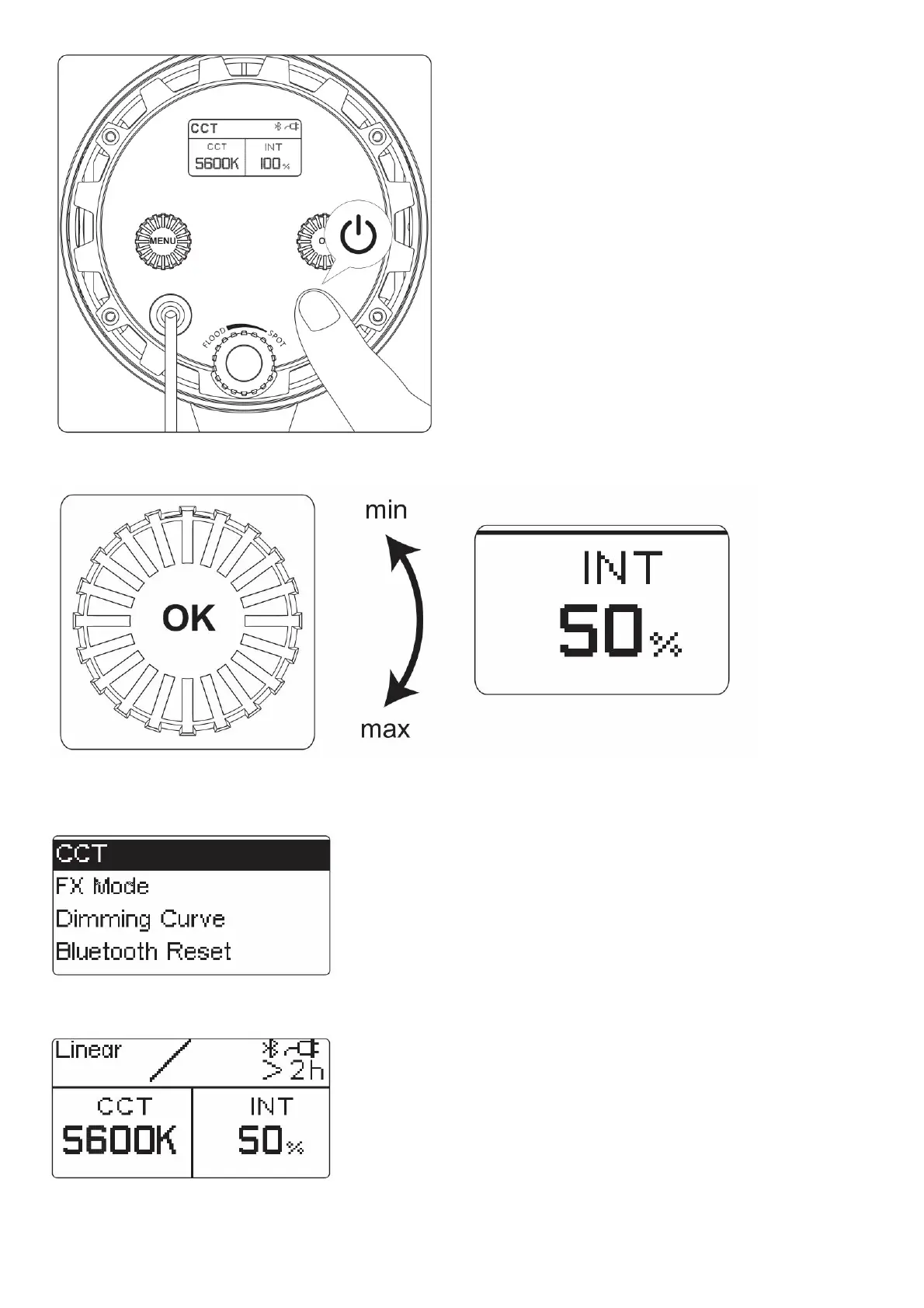
2. Manual control
1) Turn the brightness adjustment knob to adjust the brightness, clockwise to increase the brightness, counterclockwise to reduce the brightness. Steeples adjustment can be realized.
2) Click the MENU key to enter the MENU interface, as shown below.
Rotate the “MENU” key to select MENU options, and click the “MENU” key to enter the selected MENU items; To exit the MENU interface, click the “MENU” key and select “exit” to return to
the CCT interface.
3) CCT mode
Select “CCT” from the menu interface and enter THE CCT mode. Rotate the “OK” key to adjust the INT.
4) FX mode
Select “FX Mode” from the menu interface. Rotate and click “OK” to enter different FX modes.











 To Next Page