2.3.8 Bluetooth
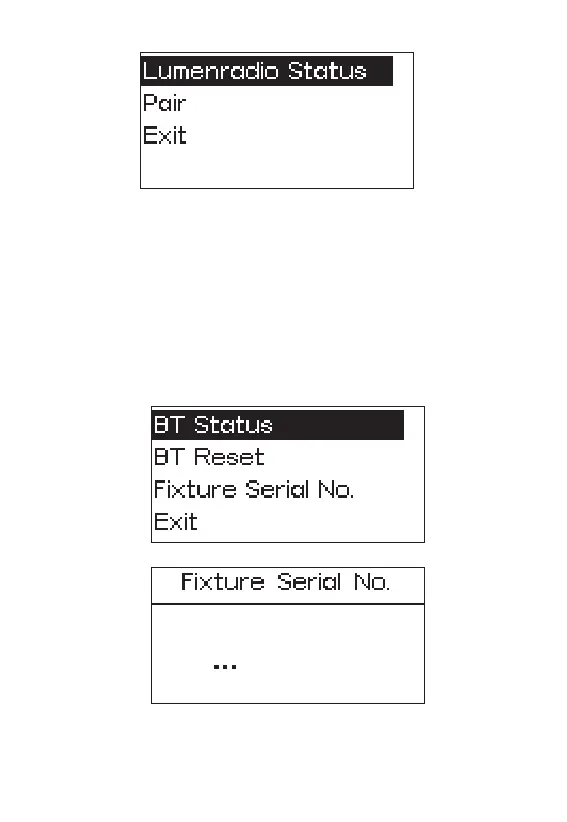
Press the MENU button to enter the menu interface, rotate the INT wheel to select
and press to enter Bluetooth mode, short press the INT wheel to enter the Bluetooth
mode interface, and turn the INT wheel to select BT status/BT reset/ Fixture Serial
No./exit.
BT Status: Short press the INT wheel to turn on or off the Bluetooth module.
BT Reset: Short press the INT wheel to reset or cancel the Bluetooth module.
Fixture Serial No.: Display the Bluetooth serial number.
Exit: Short press to Exit return to the main menu.
- 17 -










 To Next Page