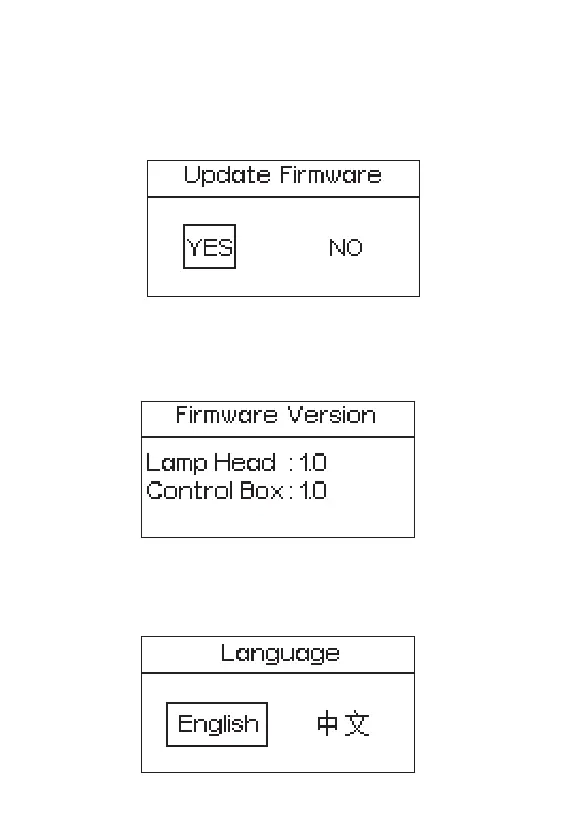
2.3.9 Update Firmware
Press the MENU button to enter the menu interface, rotate the INT wheel to select and
press to enter Update Firmware interface, rotate the INT wheel to select "YES" or "NO".
2.3.10 Firmware Version
Press the MENU button to enter the menu interface, rotate the INT wheel to select
and press to enter Firmware Version Interface, you can see the Firmware Version of
the lamp head and control box.
2.3.11 Language
Press the MENU button to enter the menu interface, rotate the INT wheel to select
and press to enter the Language interface. You can rotate the INT wheel to select
English or Chinese, and then press the INT wheel to confirm the selection.
If a USB flash drive containing a firmware update is mounted in the USB port, the
screen will display an update progress; If you choose “NO”, then it will return the menu
interface.
- 18 -










 To Next Page