Preparation Before Use
Quick Setup
1. A smartphone or tablet that supports Wi-Fi or a cellular network (with iOS or
Android system) is required.
2. Please ensure that there is a Wi-Fi connection and your internet connection is stable.
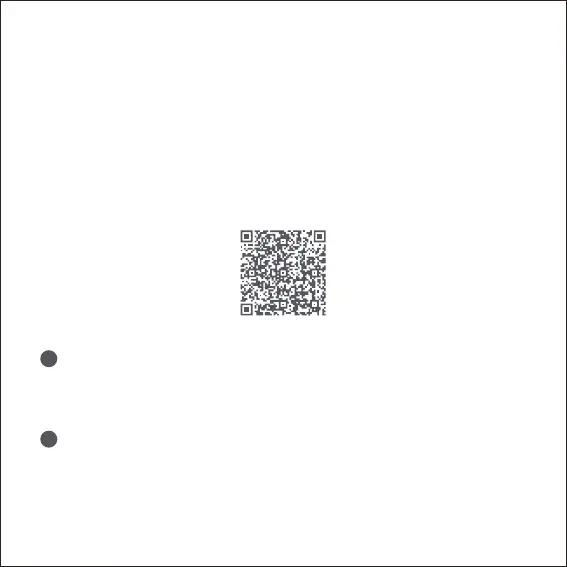
Search for "Aqara Home" in the Apple App Store, Google Play, Xiaomi GetApps, Huawei
App Gallery, or scan the following QR code to download the Aqara Home app:
Select the Installation Location for the Camera
Ensure a stable connection between the camera and the router by avoiding any
interference. Metal obstacles between the camera and the router, or near the
camera, should be avoided.
Connect the Power
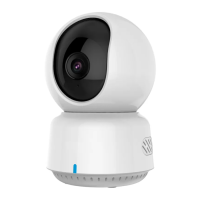
Locate the power interface at the back of the product. Plug in the USB-C Cable to
connect the power adapter. When the Camera E1 is powered on, the status
indicator will turn red and flash quickly. Ensure that the Bluetooth function on
your mobile phone is activated.
2. Power up and turn on the Camera E1
1. Download the Aqara Home App
1
2
02


 To Next Page