Aer the device is successfully added, enter the system
setting page, and perform factory reset operations on
the device according to the screen information prompts.
Restoring factory settings will clear all function settings
and network data of this device.
3. Reset
Aer the device is successfully added, enter the system
setting page, and operate according to the screen
information to log out of the current account and clear
the network information, so that the device can enter
the network configuration state.
4. Reset network
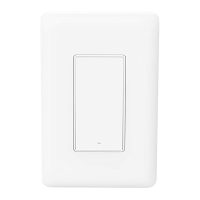
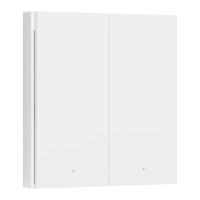
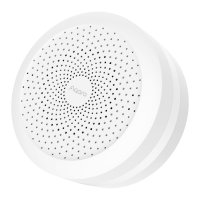
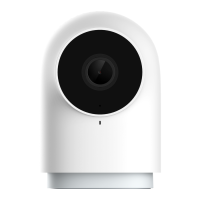
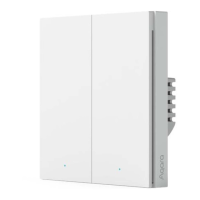
* The product pictures and screen content on the above pages
are for illustration only, the actual product effect (including
but not limited to Appearance, color, size) and screen display
content (including but not limited to background, UI,
picture) may be slightly different, please refer to The real
thing shall prevail.
* In case of necessary circumstances, the above content will
be modified and adjusted without special notice.



 To Next Page