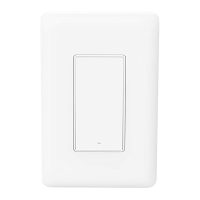
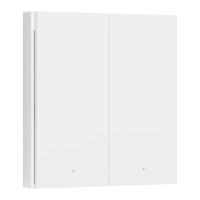
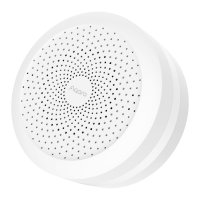
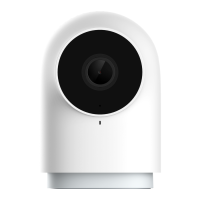
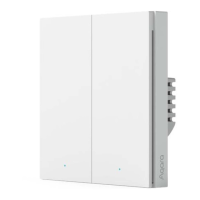
Apple, Apple Watch, HomeKit, HomePod, HomePod
mini, Siri, iPad, iPad Air, and iPhone are trademarks of
Apple Inc., registered in the U.S. and other countries.
1. Download the Aqara Home App
Search for "Aqara Home" in the Apple App Store, Google
Play,Xiaomi GetApps, Huawei App Gallery,or scan the
following QR code to download the Aqara HomeApp:
Use the flat screwdriver to pry open the switch panel;
Loosen the terminal screws on the back of the switch
with the screwdriver, connect the live wire to the hole L,
the neutral wire to the hole N, and connect the load
(light) wire to the L1, L2, and L3(corresponding to the le,
middle, and right buttons respectively), and tighten the
terminal screws aer confirming that the wire is correct.
The total cumulative load across all three terminals must
not exceed 2200W.
2. Installation
Before installation, please ensure that the main power
switch is turned off.
Device Binding & Initialization
1
2



 To Next Page