Introduction
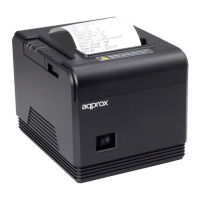
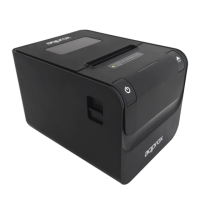
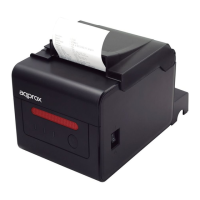
Thank you for choosing appPOS80AM thermal printer.
Product description:
The appPOS80AM thermal printer is compact, reliable and fast.
Compatible with the POS system. It oers important features of
easy handling for retail, restaurants and hotels.
It incorporates an automatic tickets cutting system, works with
standard 80mm wide thermal paper. No cartridges needed and can
print barcodes and logo.
Make it your favorite printer for your business!
Package contents
• appPOS80AM
• Usb cable
• A roll of paper
• Quick installation guide
• Installation Cd
• Power adapter
Make sure your package contains the elements described above.
If you nd any items are missing or damaged, please contact your
dealer.
System requirements
• Computer with a free USB / serial port.
• Electrical outlet 230VAC.
Installation and conguration
Connections
1. Connect the power adapter from the electrical outlet to the DC
port on the printer.


 To Next Page