17
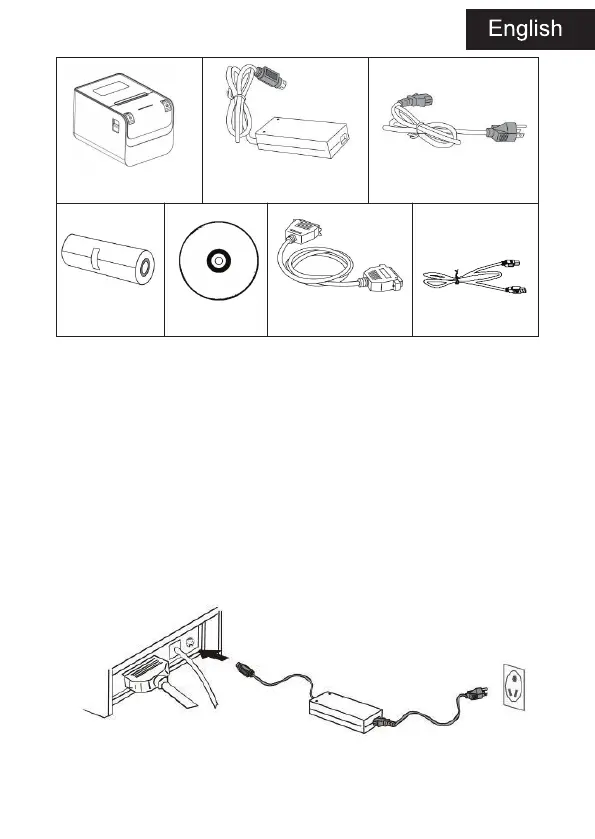
Printer Power supply Power cord
Paper roll CD Com. cable RS232 USB cable
Printer Connection
1. To ensure the printer and PC is powered off and then insert the
matched data
connection lines to the interfaces (USB/Serial) of the printer, the other
ends are to the PC.
2. If the user fit out the electric opened cash drawer for the printer
that could insert the RJ-11 connection line of it to the corresponding
interface of the printer. (PS: The specification of cash drawer should be
accorded with the driver requirement of printer).
3. Connect to the supplied power adapter.
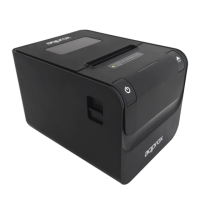
Please only use the supplied power adapter. Such as the following picture:


 To Next Page