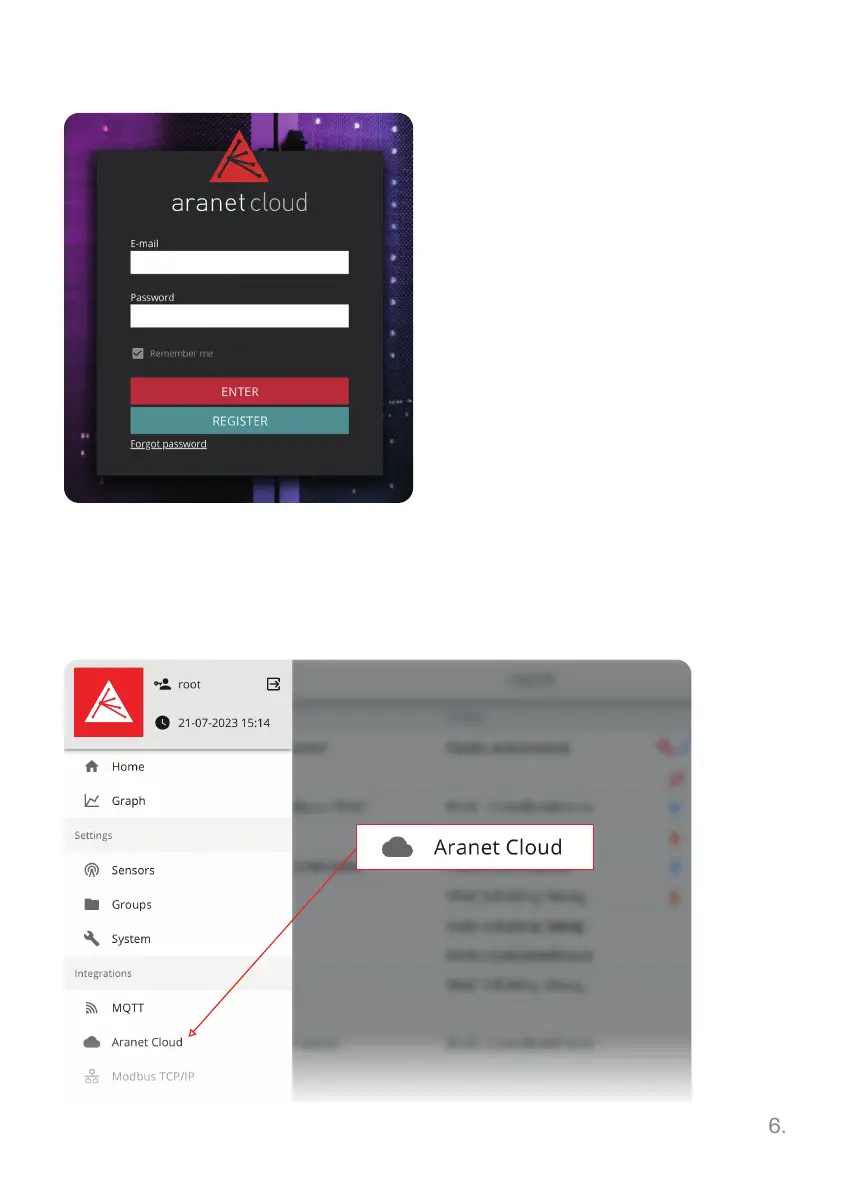
1. Go to aranet.cloud webpage
and register.
2. Activate your account via link
in confirmation email.
3. Log in and setup a company
account and insert the billing
information if needed.
4. Copy the registration code for
the next step.
Create Aranet Cloud account
Connect Base station to the Cloud
1. Connect to the Base station via browser and WiFi SSID address.
2. Go to Aranet Cloud menu in the Base station side panel.



 To Next Page