Using the product
16 /39EN
Refrigerator / User Guide
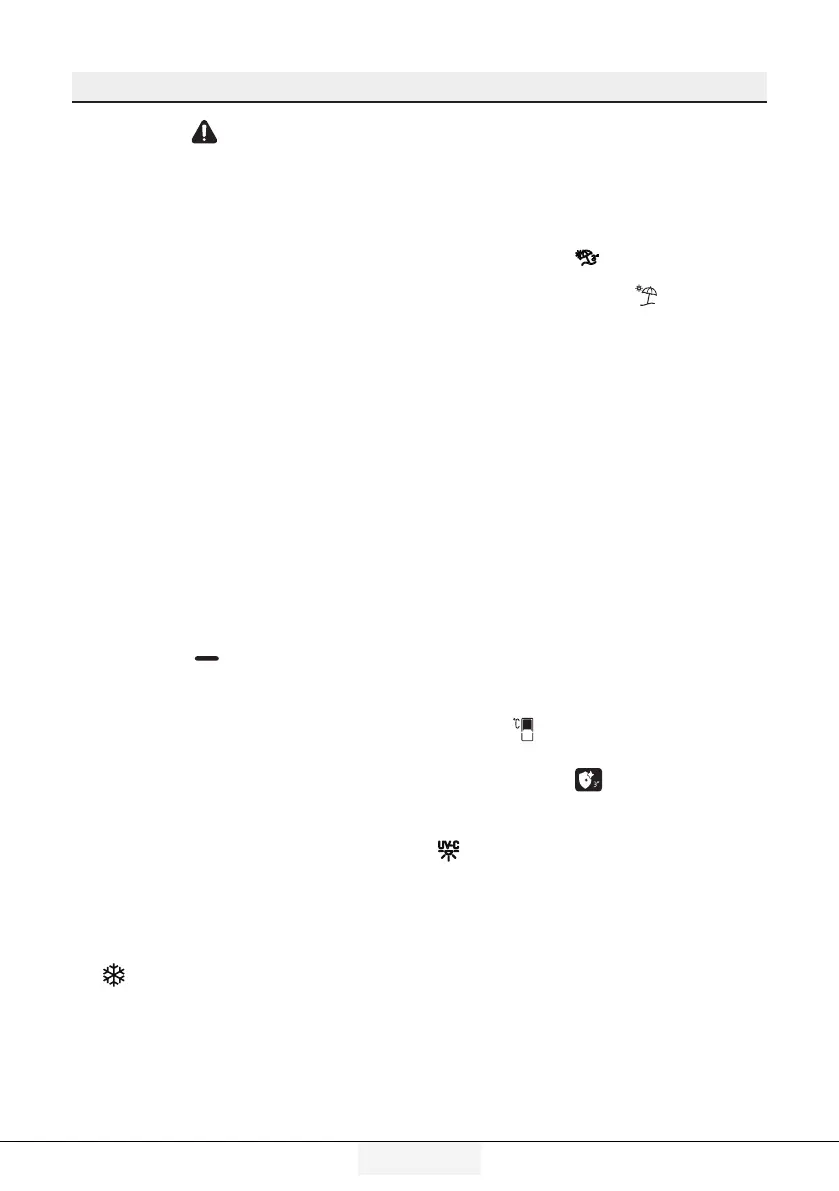
1. Fault condition indicator
This indicator ( ) shall be active
when your refrigerator cannot perform
adequate cooling or in case of any sensor
error. When this indicator is active,
“E” shall be displayed on the Freezing
Compartment temperature indicator and
figures such as 1,2,3… shall be displayed
on the Cooling compartment temperature
indicator. These figures provide
information to the authorized service on
the error that has occurred.
Exclamation mark may be displayed
when you load warm food to the freezing
compartment or keep the door open for a
long period of time. This is not a fault, this
warning shall be removed when the food
is cooled.
2. Energy saving (display off) indica-
tor
Energy saving function is enabled
automatically and the energy saving
symbol is displayed when the door of the
product is not opened or closed for some
period of time.(
)
When the energy saving function is active,
all symbols on the screen other than the
energy saving symbol shall be turned off.
When the energy saving function is active,
pressing any key or opening the door shall
deactivate the energy saving function
and the symbols on the screen shall
return to normal. Energy saving function
is a factory installed function, it is not
possible to deactivate it.
3. Quick cooling key
When the quick cooling function is on,
the quick cooling indicator shall light
up (
) and the cooling compartment
temperature indicator shall display the
value 1. Press the Quick cooling key again
to cancel this function. Quick cooling
indicator shall turn off and normal
settings shall be restored. Quick cooling
function shall be automatically cancelled
after 1 hours, unless cancelled by the user.
To cool a large amount of fresh food, press
the quick cooling key before placing the
food in the cooling compartment.
4. Vacation function key
Press the button (
) for 3 seconds to
activate the vacation function, and the
vacation mode indicator ( ) shall be
turned on. When the vacation function
is activated, "- -" shall be displayed on
the cooling compartment temperature
indicator and no active cooling operation
shall be performed on the cooling
compartment. You shall not keep
your food in the cooling compartment
when this function is activated. Other
compartments shall be continued to be
cooled as per the temperatures set for
them.
Press the vacation function button again
to cancel this function.
5. Cooling compartment temperature
setting key
The temperature of the cooling
compartment may be set to 8,7,6,5,4,3,2
and 1 respectively when this key is
pressed. (
)
6. Hygiene function key
Press the button (
) for 3 seconds to
activate the hygiene function, then the
hygiene function indicator
(
) shall be turned on. Do not open the
door of your product when the hygiene
function is activated. If the door of the
product is opened while the hygiene
function is activated, the hygiene
operation shall be stopped until the
door is closed. The product shall give an
audible warning and end the operation
when the hygiene operation is completed.
Keep the hygiene function key pressed for
3 seconds to end the hygiene operation
before its time set.




 To Next Page