15
G
G
e
e
t
t
t
t
i
i
n
n
g
g
S
S
t
t
a
a
r
r
t
t
e
e
d
d
C
C
o
o
n
n
n
n
e
e
c
c
t
t
i
i
n
n
g
g
t
t
o
o
a
a
P
P
o
o
w
w
e
e
r
r
S
S
o
o
u
u
r
r
c
c
e
e
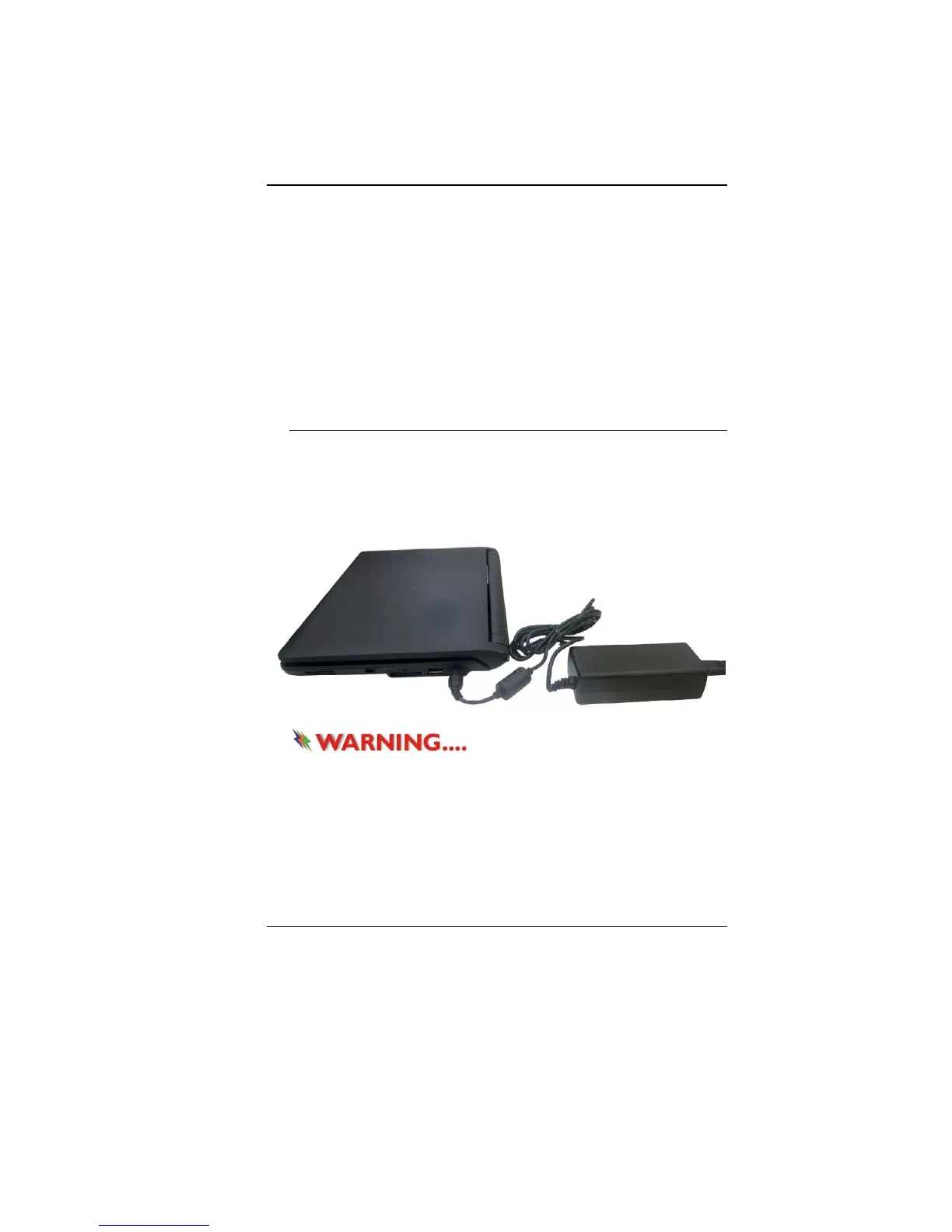
Connecting the AC Adapter
A universal AC adapter is provided to supply your computer with
power and also charge the computer’s battery pack. The adapter’s
AC input voltage can range anywhere from 100 to 240 volts,
covering the standard voltages available in almost every country.
To connect the computer to an external power source:
Do not use inferior extension
cords as this may result in damage to your notebook. The
notebook comes with its own AC adapter. Do not use a
different adapter to power the computer and other electrical
devices.
Whenever possible, keep the AC adapter plugged into the
notebook and an electrical outlet to recharge the battery.


 To Next Page