22
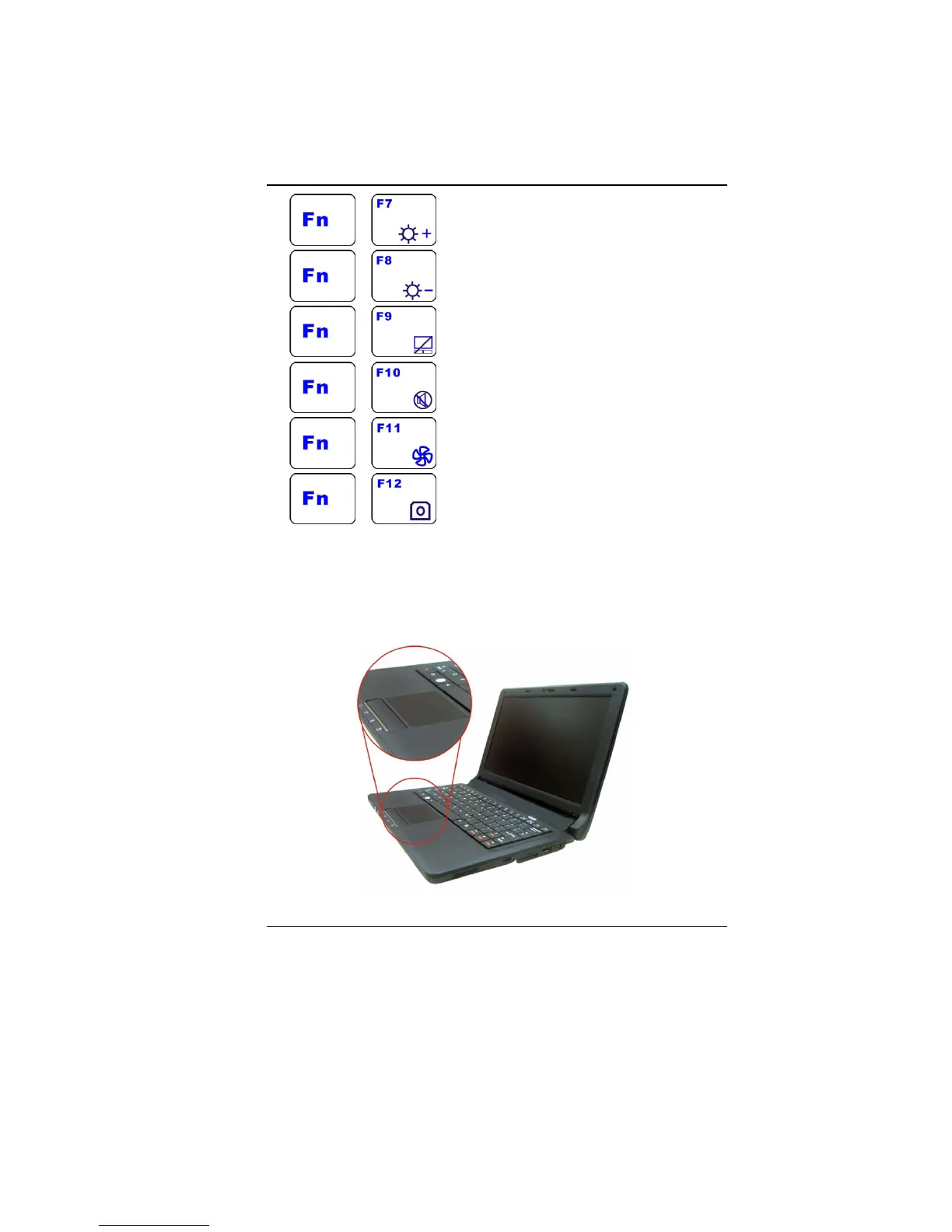
+ - Increases the brightness level.
+ - Decreases the brightness level.
+ - Enable/Disable the Touchpad
+ - Mute the system volume
+ - Enters the silent mode
+ - Enable/Disable the camera application
T
T
h
h
e
e
T
T
o
o
u
u
c
c
h
h
P
P
a
a
d
d
The touchpad is a rectangular electronic panel located just below
your keyboard. You can use the static-sensitive panel of the
touchpad and slit it to move the cursor. You can use the buttons
below the touchpad as left and right mouse buttons.


 To Next Page